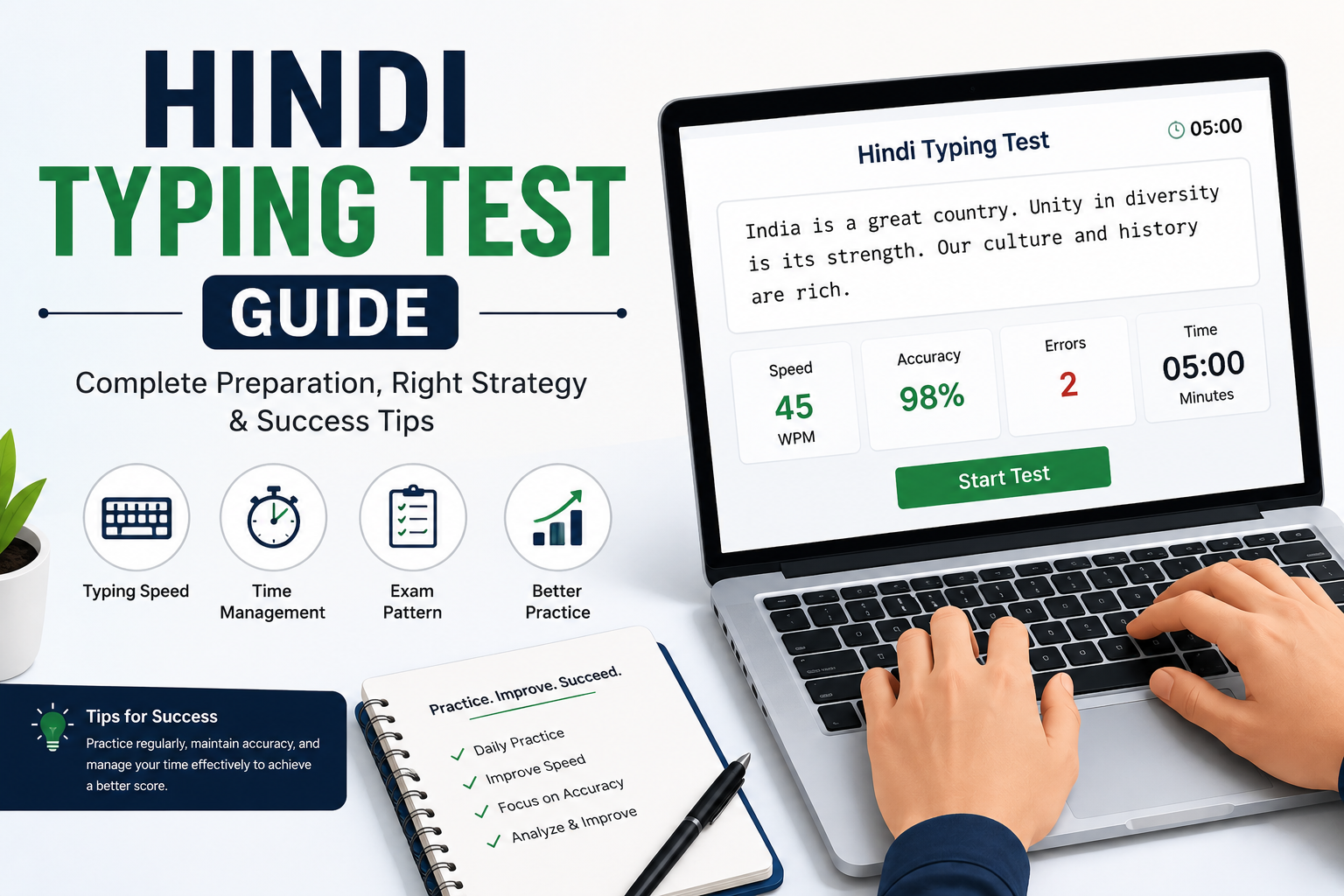
CPCT Typing Test 2026: Complete Guide to Speed, Format & Free Practice
CPCT Typing Test 2026: Complete Guide to Speed, Format & Free Practice
If you are preparing for clerical, Data Entry Operator, IT Operator, or Assistant Grade-3 positions under the Madhya Pradesh government, the Computer Proficiency Certification Test (CPCT) is an important qualification to understand. Conducted by the Madhya Pradesh Agency for Promotion of Information Technology (MAP_IT), CPCT assesses computer proficiency and typing skills required for eligible government positions.
The CPCT scorecard can be used when applying for posts that require the relevant certification and skills. This guide explains the exam structure, English and Hindi typing requirements, scorecard validity, and practical preparation methods using free online typing practice.
What Is CPCT?
CPCT stands for Computer Proficiency Certification Test. It is a computer-based assessment used by the Government of Madhya Pradesh to evaluate computer knowledge and typing skills.
The certification is relevant to various government positions, including Data Entry Operator, IT Operator, Assistant Grade-3, steno-typist, and other posts where CPCT is prescribed as a requirement.
Unlike a typing test conducted exclusively for one recruitment examination, CPCT provides a separate scorecard that candidates can use for eligible recruitment opportunities according to the applicable job requirements.
Candidates should check the recruitment advertisement to confirm which CPCT skills and qualifying scores are required for a particular position.
You can begin improving your general typing skills with the free online typing test on TypingTestSkill.
CPCT Exam Structure
The CPCT assessment contains a multiple-choice question (MCQ) section and two typing assessments. According to the official CPCT rulebook, the examination includes the following components.
Part A: Computer Proficiency Test
The MCQ section contains 75 questions covering the prescribed syllabus. Candidates are allotted 75 minutes to complete this section.
Topics include computer fundamentals, hardware and software, internet usage, and other subjects specified in the official syllabus.
Part B: English and Hindi Typing Tests
Candidates must attempt both typing sections:
- English typing: 15 minutes.
- Hindi typing: 15 minutes.
The official instructions also provide familiarisation mock tests before the respective typing assessments. These mock tests help candidates understand the test interface and keyboard setup.
The complete assessment includes additional time for instructions and transitions. Refer to the current official rulebook and your admit card for the applicable schedule.
For the official syllabus, instructions, and exam updates, visit the CPCT official website.
CPCT Typing Speed Requirements
The official CPCT rulebook specifies the following minimum qualifying typing scores:
Typing sectionMinimum qualifying speedDurationEnglish typing30 Net Words Per Minute (NWPM)15 minutesHindi typing20 Net Words Per Minute (NWPM)15 minutes
These are the published qualifying benchmarks. Higher typing speeds can correspond to higher scaled scores under the CPCT scoring system.
Candidates should also remember that the computer proficiency section has its own qualifying requirement. The official rulebook lists 38 marks out of 75 as the minimum qualifying score for the MCQ section.
A qualifying scorecard does not automatically guarantee eligibility for every government vacancy. Recruitment departments may specify additional conditions or require particular skills according to the post.
How Is CPCT Net Typing Speed Calculated?
CPCT reports typing performance as Net Words Per Minute (NWPM). The official rulebook explains that typing speed is converted into a scaled score for certification purposes.
In practical terms, net typing speed reflects typing performance after errors are considered. It is different from gross speed, which measures typing output without applying the same error deductions.
For preparation, track three important metrics:
- Gross typing speed: Your typing output before error deductions.
- Net typing speed: Your speed after the applicable error calculation.
- Accuracy: How closely your typed text matches the original passage.
Do not assume that every online typing platform uses the same formula as CPCT. Use general typing tools to monitor progress, then familiarise yourself with the official CPCT assessment and scoring instructions.
You can measure your general typing speed and accuracy using the TypingTestSkill free typing test.
CPCT Hindi Typing: Font and Keyboard Layout
Hindi typing requires preparation with the appropriate Unicode font and keyboard layout.
According to the official CPCT rulebook, Hindi typing is available using either of these keyboard layouts:
- Remington (GAIL): A commonly used Hindi keyboard layout for typing examinations.
- Inscript: A standardised Indian-language keyboard layout.
Candidates should choose the layout they can use accurately and practise with it consistently. The CPCT instructions provide guidance on selecting the appropriate keyboard layout before the actual assessment.
Avoid switching layouts during the test. Instead, become familiar with the required key positions and practise typing complete Hindi passages before your examination.
CPCT Scorecard Validity
The official CPCT portal states that the scorecard is valid for seven years from the date of the examination.
This gives candidates an opportunity to use their scorecard for eligible recruitment opportunities during the validity period, subject to each vacancy's requirements.
Before applying for a government position, verify that your scorecard remains valid and that your qualifying skills meet the recruitment advertisement's conditions.
You can confirm the validity information and related instructions through the official CPCT portal.
How to Prepare for the CPCT Typing Test
1. Build Accuracy Before Increasing Speed
Start with short typing exercises and concentrate on entering each word correctly. Avoid rushing through unfamiliar text just to increase your WPM.
Once your accuracy becomes more consistent, gradually increase your speed. This helps build reliable keyboard control and reduces repeated mistakes.
Use free structured typing practice to establish a regular practice routine.
2. Practise in Full 15-Minute Sessions
Short exercises are useful for learning keyboard positions, but the actual CPCT typing assessments last 15 minutes per language.
Include full-duration English and Hindi practice sessions in your preparation. This helps you build concentration and maintain a consistent pace over a longer period.
Remember that a general online typing test is a training tool. It may not reproduce the exact CPCT passage, interface, or scoring process.
3. Practise English and Hindi Separately
English and Hindi typing require different keyboard skills. If you need both languages for your preparation, give each one dedicated practice time.
For English, focus on punctuation, capital letters, common word patterns, and continuous typing.
For Hindi, concentrate on your chosen Unicode keyboard layout, accurate character entry, and correct spacing.
Regular practice in both languages helps you identify weaknesses and allocate time more effectively.
4. Review Your Errors After Every Test
Do not focus only on the final speed number. Examine the mistakes you make and identify patterns.
For example, check whether you repeatedly mistype certain letters, add extra spaces, miss punctuation, or lose concentration during the final minutes.
After reviewing your results, repeat the words or patterns that caused difficulty. This makes each practice session more useful than simply taking test after test.
5. Simulate the Examination Environment
In the final two weeks before your examination, include regular full-length practice sessions.
Use a timer, avoid unnecessary interruptions, and review your results after each attempt. Practise with the same Hindi keyboard layout you intend to use during the examination.
Also, use the official CPCT mock test to become familiar with the examination interface. The official mock test is particularly important because a general typing website may have different controls and evaluation features.
A Simple Daily CPCT Typing Practice Plan
The following 30-minute routine is a practical starting point.
ActivityTimeEnglish typing warm-up5 minutesEnglish accuracy practice5 minutesHindi typing practice10 minutesTimed typing exercise or error review10 minutesTotal30 minutes
Alternate the focus of your final exercise between English and Hindi. As your examination approaches, complete separate 15-minute sessions for each language to match the actual test duration.
Use the TypingTestSkill typing practice page to support your regular practice.
Common Mistakes CPCT Candidates Should Avoid
Practising Only Short Passages
One- or three-minute exercises do not fully prepare you for a 15-minute typing assessment. Include longer sessions to develop concentration and typing endurance.
Ignoring Accuracy
A high gross speed does not necessarily translate into a qualifying net speed. Focus on accurate typing and review your errors after each exercise.
Practising the Wrong Hindi Layout
If you intend to use Remington (GAIL) or Inscript, practise consistently with the selected layout rather than switching between them without a clear reason.
Assuming Online Scores Guarantee Qualification
Online typing tests can help measure your general skills, but they do not guarantee a CPCT score. The official assessment rules determine your result.
Ignoring the Computer Proficiency Section
CPCT includes both computer proficiency and typing assessments. Prepare for the MCQ section as well as the English and Hindi typing tests, and check the qualifying requirements for each section.
Frequently Asked Questions
What is the minimum English typing speed for CPCT?
The published CPCT qualifying benchmark for English typing is 30 Net Words Per Minute, with a 15-minute assessment.
What is the minimum Hindi typing speed for CPCT?
The published qualifying benchmark for Hindi typing is 20 Net Words Per Minute, with a 15-minute assessment.
How long is the CPCT scorecard valid?
The official CPCT portal states that the scorecard is valid for seven years from the examination date.
Is CPCT typing conducted in both English and Hindi?
Yes. The official CPCT assessment includes separate 15-minute English and Hindi typing tests. Candidates should consult the official instructions for the full examination procedure.
Can I practise for CPCT typing online for free?
Yes. Online typing tests and practice exercises can help improve general speed, accuracy, and keyboard familiarity.
Start with the TypingTestSkill free typing test and continue with typing practice exercises.
Final Thoughts
Preparing for CPCT requires consistent typing practice, careful error review, and familiarity with the examination format. Develop your English and Hindi typing skills separately, practise full 15-minute sessions, and monitor your net speed rather than focusing only on gross typing speed.
Remember to prepare for the computer proficiency section as well and verify the latest official instructions before your examination.
Ready to improve your typing skills? Visit TypingTestSkill to take a free online typing test, practise with typing exercises, and explore more guides in our blog section.