Master Fast Typing Online with Speed Tests & Practice
Master Fast Typing Online: Tips, Tools, and Speed Tests for Accuracy
Typing quickly and accurately is an essential skill for students, office workers, freelancers, and job applicants. Whether you prepare documents, complete assignments, enter data, or take a government typing exam, better typing skills can help you work more efficiently.
The good news is that you do not need expensive software to improve. With regular practice, correct finger placement, and a reliable fast typing online platform, you can measure your progress and gradually improve your words per minute (WPM) and accuracy.
In this guide, you will learn practical typing techniques, useful online tools, timed practice methods, and ways to build a routine that supports long-term improvement.
What Is Fast Typing Online?
Fast typing online means practising and measuring your keyboard speed through a website or browser-based typing tool. These platforms usually display text for you to type and calculate your speed, accuracy, and mistakes.
Typing speed is commonly measured in words per minute (WPM). Accuracy measures how correctly you reproduce the displayed text. Both are important: typing quickly does not provide much benefit if you frequently make errors and need to correct them.
You can start with a free online typing test on TypingTestSkill to establish your current level. Use your result as a starting point rather than comparing yourself with experienced typists immediately.
Best Tools to Improve Typing Speed Online
The right typing tools can make practice easier to organize and help you identify areas that need improvement.
1. Online Typing Speed Tests
An online typing speed test measures your performance during a timed session. Depending on the platform, the results may include WPM, accuracy, and typing errors.
Try these TypingTestSkill practice sessions:
- 1-minute typing test — a quick assessment of your current speed.
- 3-minute typing test — useful for short practice sessions.
- 5-minute typing test — helps assess consistency.
- 10-minute typing test — useful for practising sustained typing.
- 15-minute typing test — helps build endurance.
- 30-minute typing test — provides an extended practice session.
Start with a duration that feels manageable and increase it as your concentration improves.
2. Online Typing Lessons
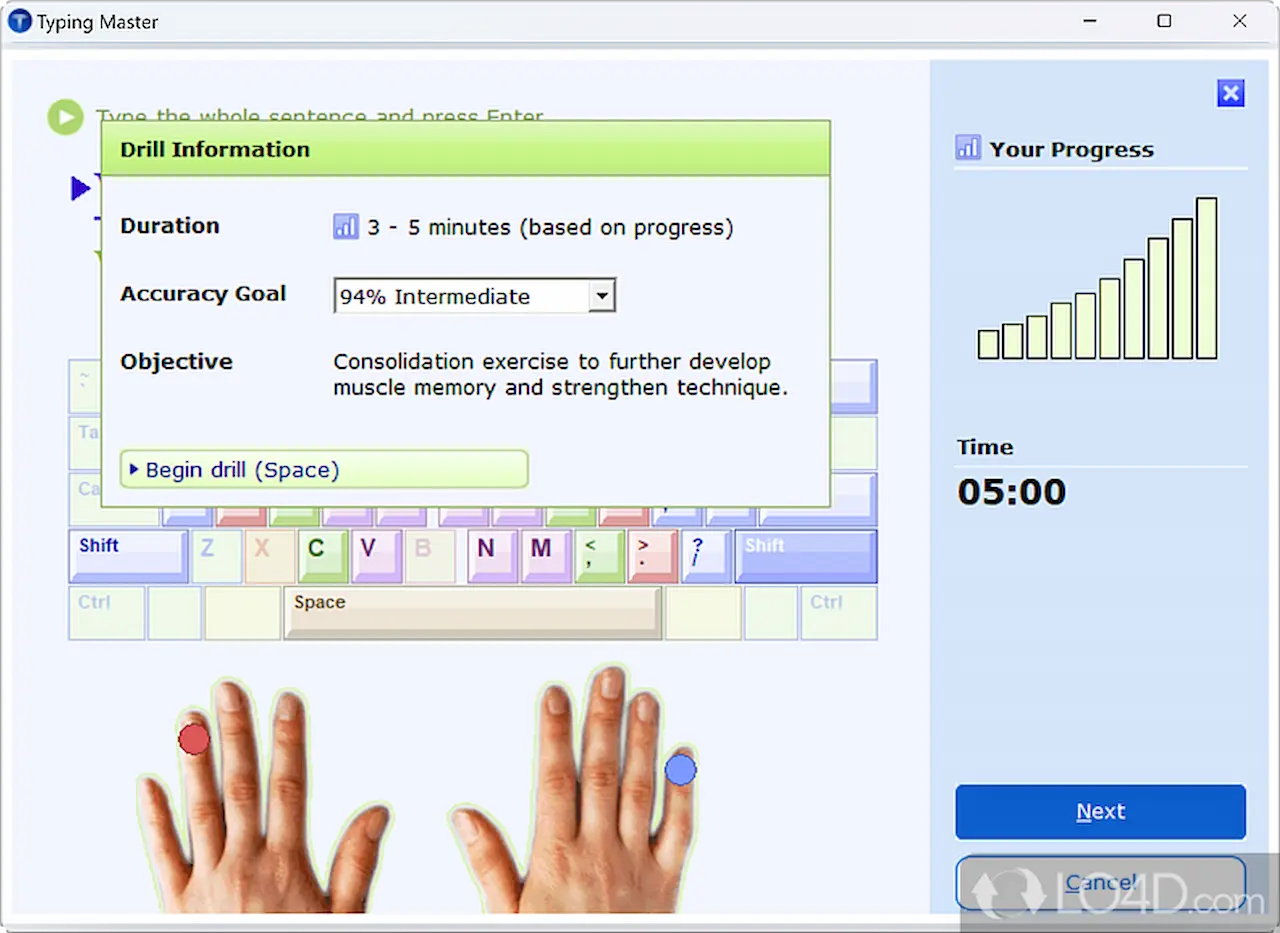
Typing lessons teach proper finger placement, keyboard familiarity, and touch-typing techniques. Beginners should learn to use the correct fingers instead of relying on a few fingers to press every key.
Follow structured lessons that introduce keys gradually. Practise each lesson until you can type the required characters accurately before moving to more difficult exercises.
3. Keyboard Practice Exercises
Keyboard exercises help develop coordination between your fingers and the keys. Practise common letter combinations, frequently used words, complete sentences, and paragraphs.
If your work involves data entry, you can also practise numbers and punctuation. These exercises are particularly useful when your daily tasks require more than ordinary text typing.
4. Typing Games
Typing games turn repetitive exercises into interactive challenges. They can help beginners stay motivated while practising reaction time, spelling, and keyboard familiarity.
Use games as a supplement to structured typing practice, not as a complete replacement for accuracy tests and longer typing exercises.
How to Type Faster Without Losing Accuracy
Improving typing speed requires a combination of technique, consistency, and concentration. These methods can help you build better habits.
1. Learn Touch Typing
Touch typing means typing without constantly looking at the keyboard. Instead of searching for each letter, you learn where the keys are and use the appropriate fingers.
Begin slowly and focus on correct movements. As your fingers become familiar with the keyboard, you can gradually increase your speed.
2. Use Correct Finger Placement
Place the fingers of your left hand on A, S, D, and F, and the fingers of your right hand on J, K, L, and the semicolon key on a standard QWERTY keyboard. Keep your thumbs near the spacebar.
Return your fingers to the home row after reaching for other keys. Correct positioning reduces unnecessary movement and helps build consistent typing habits.
3. Prioritize Accuracy Before Speed
One of the most common mistakes is trying to type as quickly as possible before learning to type correctly.
Start at a comfortable pace and aim for accurate keystrokes. Once your accuracy becomes consistent, increase your speed gradually. This approach can also reduce the time spent correcting mistakes.
4. Maintain a Comfortable Posture
Sit comfortably with your back supported, shoulders relaxed, and wrists in a neutral position. Keep the keyboard at a suitable height and avoid pressing keys with excessive force.
Take short breaks during longer practice sessions. A comfortable setup can help you maintain concentration and avoid unnecessary strain.
5. Practise Every Day
Regular practice is generally more useful than occasional, lengthy sessions. Set aside 10–15 minutes each day for focused typing exercises.
Review your results and repeat exercises that expose recurring errors. As your performance improves, introduce longer tests and more challenging passages.
Choose the Right Typing Test Duration
Different test durations help you evaluate different aspects of typing performance.
1-Minute Typing Test
A 1-minute typing test is useful for quick checks and short practice sessions. It helps you observe your current speed, although a short result may fluctuate because of the text or mistakes you make.
3-Minute Typing Test
A 3-minute typing test provides more time to establish a steady rhythm. It is a practical option for beginners and intermediate learners who want regular assessments without a long session.
5-Minute Typing Test
A 5-minute typing test can help you evaluate consistency and accuracy over a longer passage. It is a useful choice for routine practice.
10- and 15-Minute Typing Tests
Longer tests help you practise maintaining concentration and typing rhythm. They can be especially useful if your work or examination involves extended passages.
30-Minute Typing Test
A 30-minute typing test is suitable for extended practice and endurance. Build up to this duration gradually rather than starting with a long session if you are a beginner.
For meaningful comparisons, use similar test conditions and review both your WPM and accuracy.
Understanding WPM and Typing Accuracy
WPM tells you how quickly you type, while accuracy indicates how much of your typed text matches the expected text.
A common standardized calculation estimates one word as five characters, including spaces. Under this method:
WPM = (Characters typed ÷ 5) ÷ Time in minutes
For example, if you type 250 characters in one minute, your gross speed under this method is 50 WPM. Your displayed result may differ if a platform uses a different calculation or reports net WPM after accounting for errors.
Accuracy is commonly calculated as the percentage of correctly typed characters or entries. However, platforms may use different rules, so check how your test calculates its result.
To improve effectively, track both measurements. A higher WPM result is most useful when your accuracy remains strong.
Common Typing Mistakes to Avoid
Avoiding repeated errors can help you make better use of your practice time.
- Looking at the keyboard too often: Practise locating keys by touch instead of repeatedly looking down.
- Using incorrect fingers: Follow the home-row method and use the appropriate fingers for each key.
- Typing too quickly too soon: Increase your pace only after establishing reliable accuracy.
- Ignoring punctuation: Practise complete sentences containing commas, full stops, capital letters, and other common symbols.
- Skipping progress reviews: Check your results regularly to identify repeated errors.
- Practising without a plan: Set a clear target for each session, such as improving accuracy or reducing mistakes on specific keys.
Correcting one recurring problem at a time makes your routine easier to manage.
Typing Practice for Jobs and Competitive Exams
Many recruitment processes and office roles require candidates to demonstrate typing ability. Depending on the organization, an assessment may include a specified duration, a required speed, an accuracy standard, or a particular passage format.
If you are preparing for a typing test for a job or government examination, check the official advertisement and instructions. Requirements differ by department, position, language, and examination.
Build your preparation around the actual test conditions. Practise with timed passages, work on punctuation and spelling, and develop the ability to maintain a steady pace without sacrificing accuracy.
A short daily session can help you maintain your skills, while longer practice tests can prepare you for assessments that require sustained typing.
Create a Simple Daily Typing Routine
A structured routine makes it easier to practise consistently and evaluate progress.
Minutes 1–3: Warm up. Type familiar words and sentences slowly, focusing on finger placement.
Minutes 4–7: Work on accuracy. Practise the keys, words, or punctuation marks that cause the most errors.
Minutes 8–12: Take a timed test. Choose a 1-, 3-, or 5-minute test based on your current level.
Final minutes: Review your results. Record your WPM and accuracy, and identify one area to improve in the next session.
Adjust the duration to fit your schedule. As your skills develop, include longer tests to practise endurance.
Frequently Asked Questions
How can I improve my typing speed online for free?
Use a free online typing test, practise touch typing, and follow a consistent daily routine. Focus on accuracy first, then increase your speed gradually while reviewing your results.
What is a good typing speed?
A good typing speed depends on the task and the requirements of your job or examination. Compare your current result with the official standard relevant to your goal rather than relying on one universal target.
Is a 1-minute typing test enough?
A 1-minute test is useful for a quick assessment, but results can fluctuate. Use longer tests as well to evaluate consistency and endurance.
Should I focus on WPM or accuracy?
Both matter. High WPM with frequent errors may be less useful than a slightly lower speed with reliable accuracy. Aim to improve them together.
How long should I practise typing each day?
Start with 10–15 minutes of focused practice each day. Increase the duration if you have the time and need to prepare for a longer assessment.
Can online typing practice help with government job tests?
Yes. Timed practice can help you develop speed, accuracy, and concentration. However, you should also practise the required language and format and follow the official examination criteria.
Conclusion
Mastering fast typing online takes consistent practice, correct technique, and a clear understanding of your results. Start with short typing tests, learn proper finger placement, and build your accuracy before pushing for higher WPM.
Use the TypingTestSkill online typing test to assess your current level. Then practise with different test durations, review your mistakes, and follow a realistic daily routine.
With patience and structured practice, you can develop more efficient typing habits for education, office work, and job-related assessments.