Increase Typing Speed Fast – Beginner & Job Guide
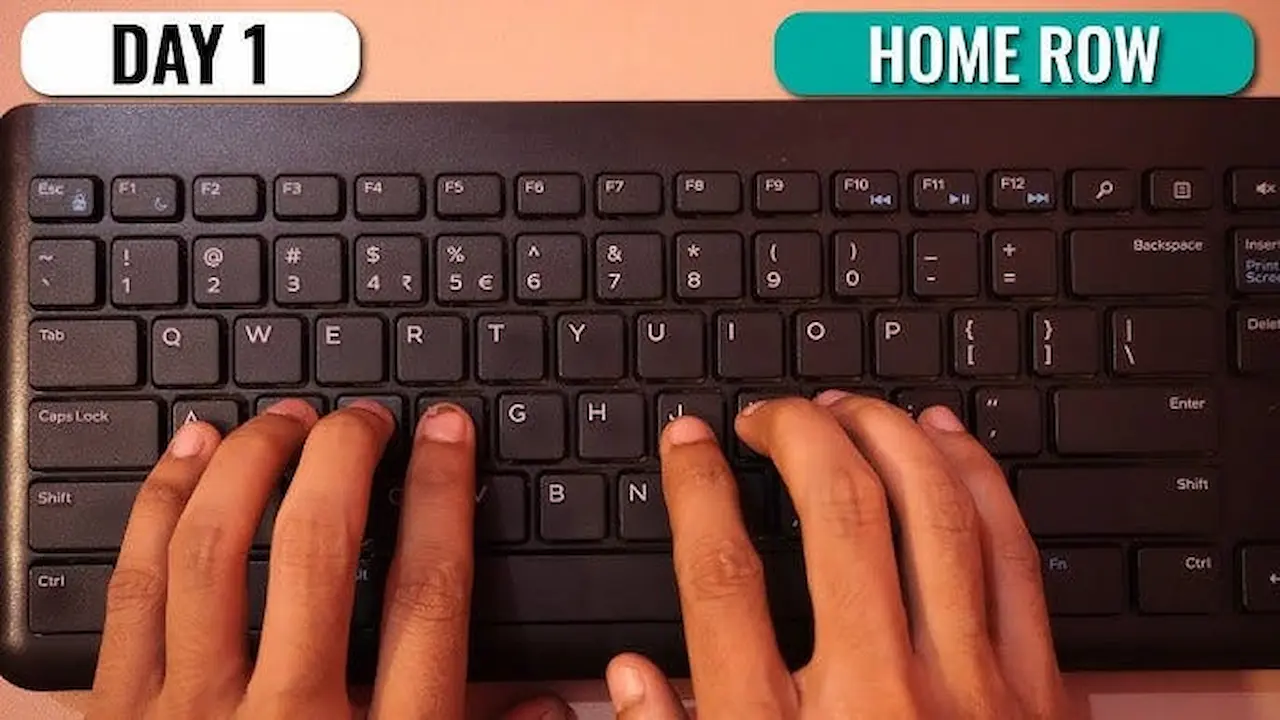
Hindi Typing Test for Government Jobs: Kruti Dev vs Mangal
Preparing for a Hindi typing test for a government job? Before you start practising, it is important to understand which font, keyboard layout, typing speed, and accuracy requirements apply to your examination.
Hindi typing tests are commonly associated with recruitment for clerical posts, court positions, data-entry roles, and other government jobs. However, the required typing method and qualifying standards can differ from one recruitment board to another.
In this guide, you will learn the difference between Kruti Dev and Mangal, understand Remington and InScript keyboard layouts, and discover practical ways to improve your Hindi typing speed and accuracy.
You can also explore the TypingTestSkill homepage for online typing practice and speed tests.
What Is a Hindi Typing Test?
A Hindi typing test measures how accurately and efficiently you can type Hindi text using a computer keyboard. Depending on the recruitment examination, candidates may need to type a passage within a specified time limit while meeting minimum speed and accuracy requirements.
Hindi typing requires familiarity with Devanagari characters, vowel signs (matras), consonants, conjunct characters, punctuation, and word spacing.
For example, typing a Hindi passage involves more than pressing individual character keys. You must also enter the correct combinations of letters and matras to produce words accurately.
Before preparing for an examination, check the official notification for these details:
- Required Hindi typing speed, usually stated in words per minute (WPM) or another specified unit.
- Permitted keyboard layout, such as Remington or InScript.
- Required font or text-encoding system, if specified.
- Test duration and passage format.
- Minimum accuracy or qualifying criteria.
- Whether the typing test is qualifying or contributes to the final merit score.
Do not assume that every government typing test follows the same rules.
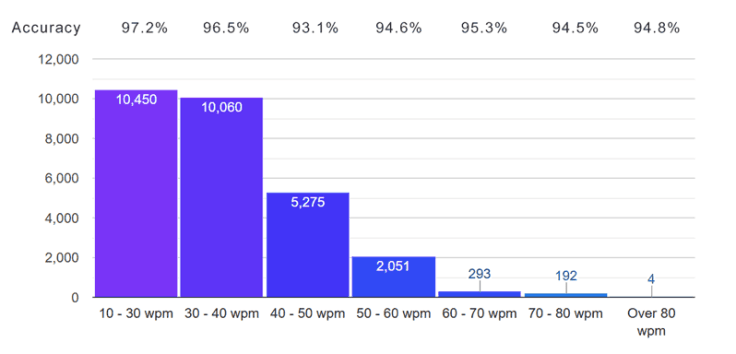
Kruti Dev vs Mangal: What Is the Difference?
Kruti Dev and Mangal are often discussed together when candidates prepare for Hindi typing examinations. However, they are not equivalent technologies.
What Is Kruti Dev?
Kruti Dev is a legacy Hindi font commonly associated with older, non-Unicode text encoding. It has been used for Hindi typing and document preparation in various offices and examination-preparation settings.
Candidates familiar with Kruti Dev may already know its traditional key mappings and typing conventions. However, text created using legacy font encodings may not behave like standard Unicode Hindi text when copied into other applications or viewed on different systems.
If an examination specifically requires Kruti Dev or a compatible legacy typing setup, practise using the required configuration rather than switching to another system without checking the instructions.
What Is Mangal?
Mangal is a Devanagari OpenType font based on Unicode. It is designed to display Hindi and other supported Devanagari text using standard character encoding.
Unicode helps text remain interoperable across compatible applications and systems without relying on a particular legacy font's custom character mapping.
Mangal is a font, not a keyboard layout. You still need an input method or keyboard layout to type Hindi characters.
Kruti Dev vs Mangal Comparison
FeatureKruti DevMangalCategoryLegacy Hindi font and encoding conventionUnicode Devanagari fontText compatibilityMay depend on the legacy encoding and font setupUses standard Unicode textKeyboard inputOften associated with traditional Hindi typing mappingsCan be used with compatible Hindi input layoutsDocument sharingLegacy text may require conversion or compatible fontsUnicode text is generally more portableExam suitabilityDepends on the examination instructionsDepends on the examination instructions
Which one should you learn?
There is no single answer for every candidate. If your recruitment notification specifies a particular font, encoding, or typing setup, prepare accordingly. If the examination does not specify these details, confirm the requirements with the recruiting authority before investing time in a particular system.
Remington vs InScript: Understanding Hindi Keyboard Layouts
One common mistake is confusing fonts with keyboard layouts. A font determines how text is displayed, while a keyboard layout determines which character is entered when you press a particular key.
What Is the Remington Keyboard Layout?
Remington is a traditional keyboard layout used for Hindi typing. Candidates who have learned Hindi typing through older office systems or established typing institutes may already be familiar with it.
Some typing setups associate traditional Remington-style key mappings with particular fonts, including Kruti Dev. However, the font and keyboard layout remain separate concepts.
If your examination requires Remington, practise with the exact layout and software configuration used for the test.
What Is the InScript Keyboard Layout?
InScript, short for Indian Script, is a standardized keyboard layout designed for typing Indian languages. It uses a systematic arrangement of characters on a conventional keyboard.
According to C-DAC, the InScript layout places vowels primarily on the left side and consonants on the right side. Its standardized structure can help users learn input methods for multiple Indian scripts.
InScript is associated with Unicode-compatible Hindi typing workflows, but the exact font and software requirements still depend on the examination.
Remington vs InScript Comparison
FeatureRemingtonInScriptTypeKeyboard layoutStandardized keyboard layoutLearning approachTraditional key-position practiceStructured character arrangementBest choice for an examWhen required or permitted by the notificationWhen required or permitted by the notificationMain preparation taskMemorize the specified key mappingLearn character positions and combinations
Neither layout should automatically be considered the right choice for every government examination. Confirm which one is accepted before practising.
How to Improve Your Hindi Typing Speed
Once you know the required keyboard layout, follow a consistent practice routine. Building speed without accuracy can lead to repeated mistakes and poor test performance.
1. Learn the Keyboard Layout First
Start by learning the positions of Hindi vowels, consonants, matras, and commonly used characters. Practise slowly until you can locate the keys without looking at the keyboard constantly.
Do not switch between layouts during practice unless your preparation specifically requires it.
2. Practise Matras and Conjunct Characters
Hindi typing includes character combinations that require careful attention. Practise frequently used matras and conjunct characters separately before moving on to complete paragraphs.
Pay particular attention to spelling, character order, punctuation, and spaces between words.
3. Start with Accuracy Before Speed
Typing quickly is useful only when the text is correct. Begin at a comfortable speed and aim to reduce errors.
Review mistakes after every session. Identify whether they occur because of incorrect key positions, missed matras, spelling errors, or accidental keystrokes.
4. Use Timed Typing Tests
Timed tests help you become familiar with working under examination conditions.
You can begin with a short test and gradually increase the duration as your performance improves.
Practise using TypingTestSkill's online typing test and visit the typing practice page for additional practice.
For a more useful assessment, select a duration that matches your current training goal and repeat tests regularly.
5. Practise Government-Style Hindi Passages
Use passages containing formal Hindi vocabulary, punctuation, numbers, and sentence structures similar to those used in your examination.
If the recruiting authority provides sample passages or a prescribed typing format, use those materials first. They are more relevant than random practice text.
6. Track Your Progress
Record your speed and accuracy after each session. Look for improvement across several attempts rather than judging your ability from a single result.
A simple practice log can include:
- Date of practice.
- Test duration.
- Typing speed.
- Accuracy or error count.
- Most frequent mistakes.
- Goal for the next session.
This makes it easier to identify weaknesses and adjust your practice routine.
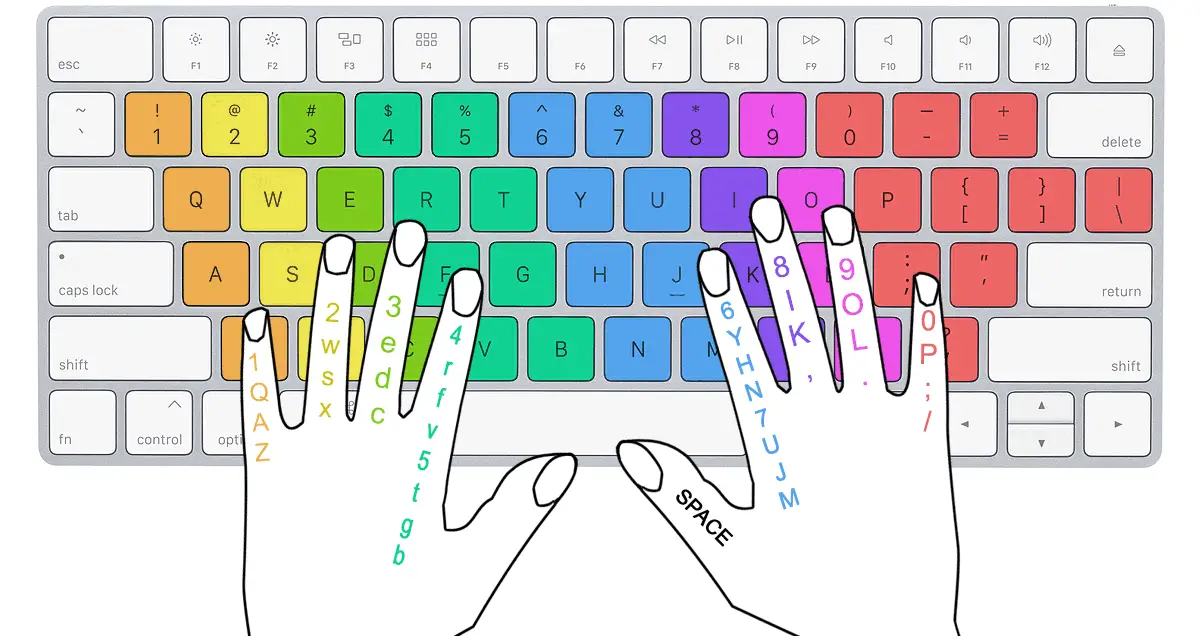 How Is Hindi Typing Speed Calculated?
Typing speed is often expressed in words per minute (WPM), but the exact calculation method can differ between software and recruitment examinations.
A general formula used by many typing-test systems is:
Gross WPM = Total characters typed ÷ 5 ÷ Time in minutes
For example, if a system counts 1,000 characters typed in five minutes, the gross speed under this formula is 40 WPM.
However, some systems calculate net speed by accounting for errors, while others use different rules for word counts, mistakes, and qualifying performance.
Therefore, do not assume that a result from an online typing tool will exactly match the official examination score. Check how your recruiting authority calculates speed and accuracy.
Common Mistakes to Avoid During Hindi Typing Practice
Avoid these mistakes while preparing for your test:
- Learning the wrong layout: Verify the required layout before beginning serious practice.
- Confusing fonts with layouts: Kruti Dev and Mangal are fonts, while Remington and InScript refer to keyboard layouts.
- Prioritizing speed over accuracy: Build a reliable typing foundation before pushing for higher speed.
- Ignoring matras: Small character errors can change a Hindi word or make it incorrect.
- Changing keyboards frequently: Repeatedly switching layouts can disrupt muscle memory.
- Practising only short tests: Gradually increase test duration to build concentration and consistency.
- Ignoring the official notification: Requirements vary by recruiting authority and post.
Frequently Asked Questions
Is Kruti Dev better than Mangal for government jobs?
Neither is universally better. The correct choice depends on the examination's requirements. Check the official recruitment notification for the accepted font, encoding, and keyboard setup.
Is Mangal a keyboard layout?
No. Mangal is a Unicode-based Devanagari font. A compatible keyboard layout or input method is needed to enter Hindi text.
Are Remington and InScript fonts?
No. Remington and InScript refer to keyboard layouts. Fonts control how characters are displayed, while keyboard layouts control how keys produce characters.
Which Hindi typing layout should beginners learn?
Beginners should first check which layouts are accepted for their intended examination. If the exam requires a particular layout, start with that layout instead of learning a different one first.
How much typing speed is required for a Hindi government job?
The required speed depends on the recruiting authority, post, and examination rules. Check the official notification for the applicable minimum speed and any accuracy requirements.
Can I practise Hindi typing online?
Yes. You can use TypingTestSkill to practise typing and check your performance. Make sure your practice method matches the keyboard layout and text-entry requirements of your intended examination.
Is an online typing-test score the same as an official exam score?
Not necessarily. Different systems may use different rules for counting words, characters, errors, and net speed. Use online tests for practice and consult the official examination instructions for the actual scoring method.
Final Thoughts
Preparing for a Hindi typing test requires the right keyboard layout, familiarity with the required typing setup, regular practice, and careful attention to accuracy.
Understand the difference between Kruti Dev and Mangal, and remember that Remington and InScript are keyboard layouts rather than fonts. Most importantly, confirm your examination requirements before deciding which system to practise.
Start with accuracy, practise regularly, and gradually increase your speed through timed tests. Visit TypingTestSkill to begin practising and build confidence for your Hindi typing examination.
References
- Microsoft Learn: Mangal Font Family
- Department of Official Language, Government of India: Hindi IT Tools
- C-DAC: InScript Keyboard Layout
- Unicode Consortium: Indic Scripts FAQ
