Hindi Typing Test Guide 2026: Speed, Fonts, Keyboard Layouts and Government Exams
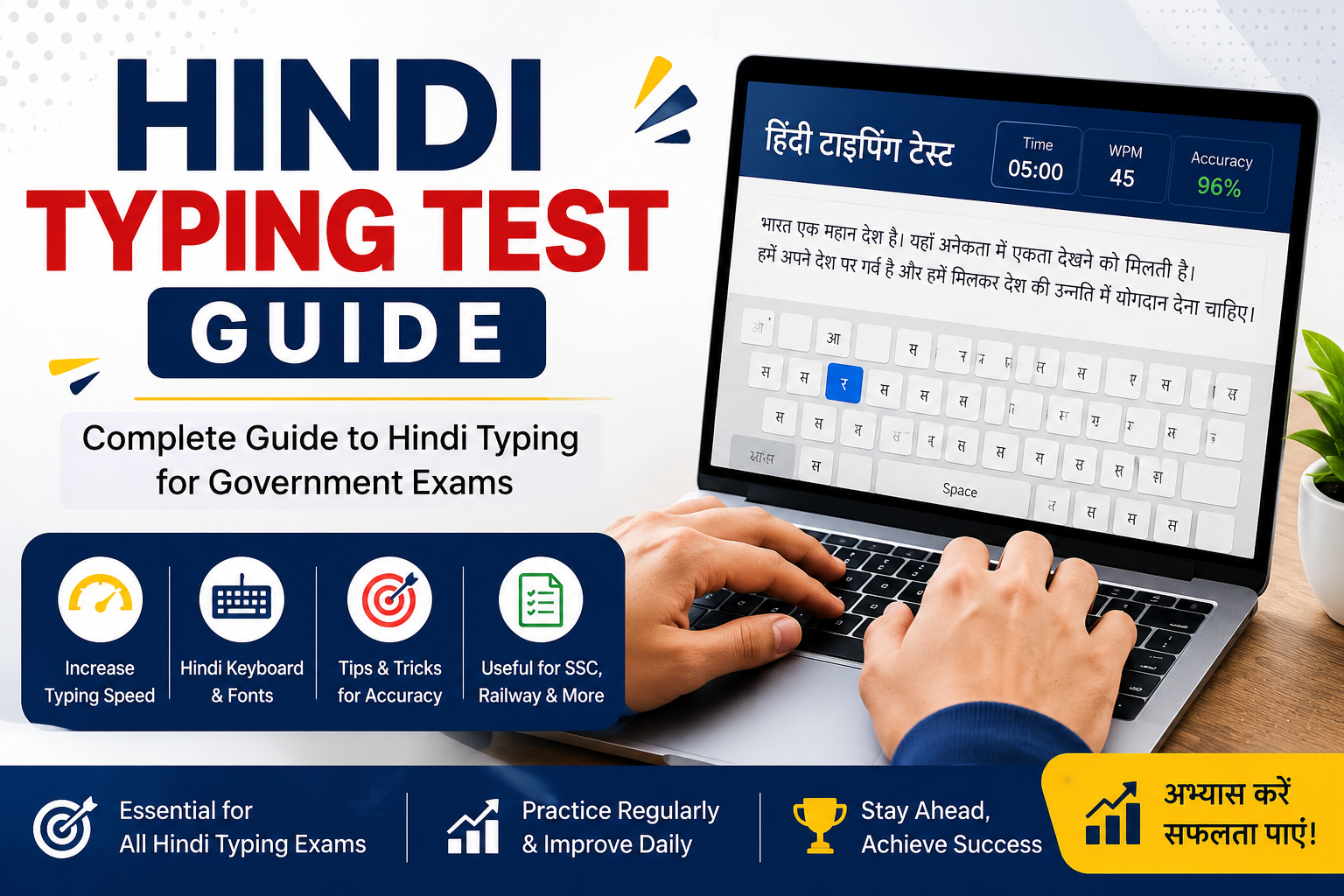
Hindi Typing Test Guide 2026: Speed, Fonts, Keyboard Layouts and Government Exams
Preparing for a government typing test in Hindi? Whether you are targeting a clerical position, a police department recruitment, a High Court typist post or another government job, learning the correct Hindi keyboard layout and practising under timed conditions are essential steps.
This Hindi Typing Test Guide 2026 explains Hindi typing speed, Unicode fonts, keyboard layouts, accuracy, common mistakes and a practical seven-day training plan. It also explains how to check the requirements for your specific examination before you begin practising.
One important point: Hindi typing requirements are not identical across all government exams. Some recruitments specify a minimum typing speed, while others prescribe a particular keyboard layout, font, evaluation method or combination of these requirements.
Before starting, check your current keyboarding skills and create a practice routine based on the actual test you need to pass.
Table of Contents
- What Is a Hindi Typing Test?
- Why Hindi Typing Matters in Government Exams
- Government Exams That May Require Hindi Typing
- Hindi Typing Speed Requirements in 2026
- Kruti Dev vs Mangal Font
- Hindi Keyboard Layouts: Remington Gail vs InScript
- How to Learn Hindi Typing Step by Step
- How to Improve Hindi Typing Speed and Accuracy
- Common Hindi Typing Test Mistakes
- A Seven-Day Hindi Typing Practice Plan
- Best Tools for Hindi Typing Practice
- Frequently Asked Questions
- Final Thoughts
1. What Is a Hindi Typing Test?
A Hindi typing test is a computer-based assessment in which candidates enter a Hindi passage within a specified time. Depending on the recruitment, the test may evaluate typing speed, accuracy, completion time and compliance with the prescribed keyboard or font requirements.
Unlike ordinary English keyboarding, Hindi typing requires familiarity with Devanagari characters, vowel signs (matras), conjunct consonants and the selected keyboard layout.
Candidates must learn how the required characters are entered, how combinations behave and how to correct errors without losing too much time.
For government recruitment, practising the correct format is particularly important. A candidate who types Hindi fluently using one layout may struggle if the examination requires a different layout.
Before preparing, confirm these four details in your recruitment notification:
- Required typing speed or key depressions per hour, if specified.
- Permitted Hindi keyboard layout.
- Required font or text-entry method.
- Test duration and mistake-evaluation rules.
These details should determine your preparation strategy.
2. Why Hindi Typing Matters in Government Exams
Hindi typing is an important skill for many clerical, ministerial, administrative and data-entry positions in India.
Depending on the post, employees may need to prepare correspondence, enter records, update databases or process official documents in Hindi.
The recruitment process may include a typing or computer proficiency test to verify that candidates can perform these tasks at the required standard.
Here is why preparation matters:
Typing speed: You must enter the required amount of text within the allotted time.
Accuracy: Incorrect characters, matras, spelling and omitted words can affect your result.
Keyboard familiarity: You need to know the layout prescribed for your examination.
Time management: Excessive corrections and unfamiliar key combinations can prevent you from completing the passage.
Exam-specific compliance: Practising in the wrong font or layout can leave you unprepared for the actual test.
The most effective approach is to prepare for the exact skill test specified in the recruitment notification instead of assuming that all Hindi typing exams follow the same rules.
3. Government Exams That May Require Hindi Typing
Hindi typing requirements vary by recruitment, post and examination year. The following examples identify examinations and departments where candidates may encounter Hindi typing or related computer skill tests.
Examination or departmentWhat candidates should verifySSC CHSLThe skill test required for the specific post, including applicable DEST or typing provisionsSSC CGLWhether the post requires a Data Entry Speed Test or another specified computer skill testCRPF Head Constable (Ministerial)Hindi or English typing option, speed, font, layout and error rulesDelhi Police Head Constable (Ministerial)The applicable typing test requirements in the recruitment noticeHigh Court recruitmentThe relevant High Court's prescribed speed, language, font and keyboard layoutState government clerical postsDepartment-specific typing speed and evaluation criteriaJunior Assistant and typist postsThe skill test requirements stated in the relevant advertisement
Important: These examples do not mean that every listed examination requires Hindi typing. For example, SSC CHSL and SSC CGL have post-specific skill-test provisions, and a candidate should not assume that every post requires the same Hindi typing test.
Check the official Staff Selection Commission website or the recruiting department's official website for the applicable notification and amendments.
4. Hindi Typing Speed Requirements in 2026
There is no single Hindi typing speed requirement that applies to every Indian government examination.
The required speed depends on the recruitment rules. Some tests specify words per minute (WPM), while others use key depressions per hour or another prescribed assessment method.
For example, the official CRPF Head Constable (Ministerial) recruitment notice specifies:
- Hindi typing: Minimum 30 WPM.
- English typing: Minimum 35 WPM.
- Hindi keyboard layout: Remington Gail.
- Hindi font: Mangal.
- Permissible mistakes: The notice specifies a 5% allowance under its stated evaluation procedure.
These requirements are specific to that recruitment and must not be treated as universal standards for every Hindi typing examination.
How is Hindi typing speed calculated?
A typing test may report gross speed, net speed or a score calculated according to the examination's own rules.
For a conventional word-based typing test, gross speed can be calculated as:
Gross WPM = Total words typed ÷ Time in minutes
For example, if you type 300 words in 10 minutes:
300 ÷ 10 = 30 gross WPM.
Net speed may account for mistakes, but there is no universal deduction formula that applies to every Hindi typing exam. The correct method depends on the test's scoring rules.
If a recruitment uses key depressions per hour, calculate and evaluate your performance using that standard rather than converting it to WPM without checking the prescribed method.
What typing speed should you target?
Start by identifying the official minimum for your examination. Then use practice tests to measure your current speed and accuracy.
If your examination requires 30 WPM, for example, record your results against that target and work on both speed and accuracy. Do not assume that a speed of 25 or 30 WPM is sufficient for a different examination.
5. Kruti Dev vs Mangal Font
Kruti Dev and Mangal are associated with different approaches to entering and displaying Hindi text. Understanding the distinction is important when preparing for a government typing test.
Kruti Dev
Kruti Dev is a legacy, non-Unicode Hindi font commonly associated with older Hindi typing workflows. Its character mapping is tied to the particular font and keyboarding method used.
Text entered using a legacy font may not behave like standard Unicode Hindi text when copied into other applications, searched or displayed on a system without the relevant font.
Kruti Dev may still be relevant where a recruitment explicitly specifies it or uses a compatible legacy typing setup.
Mangal
Mangal is a Unicode Devanagari font. Unicode text supports more consistent storage, copying, searching and display across compatible applications and devices.
Mangal is used in various government typing workflows, but the font requirement still depends on the examination.
For example, the SSC issued a 2026 addendum making Mangal font mandatory for the Hindi typing or skill test in its Stenographer Grade C and D Examination 2026. The CRPF Head Constable (Ministerial) notice also specifies Mangal font for Hindi typing.
Kruti Dev vs Mangal: Key differences
FeatureKruti DevMangalText encodingLegacy, non-UnicodeUnicodeCharacter mappingDepends on the legacy font and typing methodUses Unicode Devanagari charactersCross-application compatibilityCan require compatible fonts and conversionGenerally more portable between Unicode-compatible applicationsGovernment exam useDepends on the recruitmentSpecified in several government typing workflowsBest choice for preparationUse when explicitly requiredUse when specified by the examination
The correct choice is the font required by your examination, not simply the font that is newer or more widely used.
If your exam specifies Mangal, practise in the required Unicode setup. If it specifies a legacy font, learn the corresponding typing method and verify the exact rules before the test.
6. Hindi Keyboard Layouts: Remington Gail vs InScript
A Hindi font determines how text is displayed, while a keyboard layout determines how key presses produce characters. These are related but different concepts.
Two Hindi keyboard layouts candidates commonly encounter are Remington Gail and InScript.
Remington Gail
Remington Gail is a Hindi keyboard layout used in certain typing and recruitment systems. It is particularly important for candidates preparing for examinations that explicitly prescribe this layout.
The CRPF Head Constable (Ministerial) recruitment notice specifies Remington Gail with Mangal font for its Hindi typing test.
If your target examination requires this combination, practise using the same layout and a compatible Unicode typing environment.
InScript
InScript is a standardised Indian-language keyboard layout designed for entering characters in scripts such as Devanagari.
It is available in supported operating systems and can be used for Hindi typing. However, its key mappings differ from Remington Gail.
Learning InScript does not automatically prepare you for a test that requires Remington Gail.
Which Hindi keyboard layout should you learn?
Use the following decision rule:
- If your notification specifies Remington Gail, practise Remington Gail.
- If it specifies InScript, practise InScript.
- If it specifies another layout, follow the official instructions.
- If the layout is not clear, verify it with the recruiting authority before investing time in a particular method.
Do not choose a keyboard layout solely because a training website recommends it.
7. How to Learn Hindi Typing Step by Step
Learning Hindi typing becomes more manageable when you divide the process into small, measurable tasks.
Step 1: Identify the required layout
Before starting, confirm the font, keyboard layout and test format. Install or enable the appropriate typing environment and practise using the same character-entry method required by your exam.
Step 2: Learn basic character positions
Familiarise yourself with the locations of frequently used consonants, vowels and other characters. Practise slowly until you can enter them without repeatedly searching the keyboard.
Step 3: Practise matras
Hindi matras are essential for forming correct words. Practise combinations involving the short and long vowel signs, and pay attention to their placement.
For example, the words दिन and दीन differ in meaning and spelling. Entering the wrong matra changes the word.
Step 4: Learn conjunct characters
Practise common conjuncts and character combinations used in formal Hindi passages. Focus on understanding how the required layout produces them.
Step 5: Type short words and sentences
Once basic characters become familiar, move to common words, short sentences and paragraphs. Review every mistake before moving to more demanding passages.
Step 6: Introduce timed practice
Begin timed sessions when you can type basic passages with reasonable consistency. Record your speed and accuracy, then use the results to identify weaknesses.
Step 7: Practise exam-style passages
Use formal Hindi material similar to the content expected in your examination. Complete full-length mock tests using the prescribed duration and evaluation method.
The goal is not merely to become fast at entering Hindi text. It is to type the correct text using the required method within the official time limit.
8. How to Improve Hindi Typing Speed and Accuracy
Improving typing performance requires regular practice and a clear record of your errors.
Use the following methods:
Practise consistently. Short, regular sessions help you develop familiarity with character positions and combinations.
Prioritise accuracy. Typing quickly while repeatedly making mistakes can produce poor results. Work on correct character entry before aggressively increasing your pace.
Repeat difficult combinations. Identify the matras, conjuncts or key combinations that cause the most errors and practise them separately.
Use timed sessions. Measure your performance over the same duration to compare results fairly.
Review your mistakes. Record recurring spelling errors, incorrect characters, omissions and corrections.
Practise the prescribed layout. Switching between layouts during preparation can interfere with familiarity. Focus on the one required for your examination.
Simulate the actual test. Use the official duration and scoring method where available. A general online typing test may help with keyboard practice, but it is not a substitute for the actual recruitment format.
How should you track progress?
Maintain a simple record containing:
- Date of practice.
- Test duration.
- Gross or net WPM, where applicable.
- Accuracy percentage, if reported.
- Number and type of errors.
- Keyboard layout and font used.
Compare results from similar tests rather than comparing a one-minute test with a much longer examination.
9. Common Hindi Typing Test Mistakes
Candidates can lose time and accuracy through avoidable preparation mistakes.
Practising on the wrong keyboard layout
A candidate familiar with InScript may struggle with Remington Gail because the key mappings differ. Confirm the required layout before practising.
Using the wrong font
A typing setup that produces the wrong encoding or font can cause problems with text entry and display. Match your practice environment to the examination instructions.
Prioritising speed over accuracy
Typing faster does not necessarily improve your final result if the additional errors affect the evaluation.
Ignoring matras
Incorrect vowel signs can change words. Practise common combinations and review errors carefully.
Neglecting conjunct characters
Formal Hindi passages may include combinations that are unfamiliar to beginners. Learn these gradually rather than leaving them until the final days.
Practising without a timer
Untimed practice cannot establish whether you can complete the required passage within the official time limit.
Assuming every exam uses the same rules
Speed requirements, test duration, fonts, layouts and mistake allowances vary. Verify the specific recruitment rules before finalising your practice plan.
10. A Seven-Day Hindi Typing Practice Plan
This sample plan provides a structured starting point. Adjust the duration according to your current level and the official test requirements.
DayFocus areaSuggested durationDay 1Keyboard layout and basic character positions30 minutesDay 2Matras and vowel combinations30 minutesDay 3Common words and short sentences30 minutesDay 4Conjunct characters and difficult combinations30–40 minutesDay 5Formal Hindi paragraphs and accuracy review40 minutesDay 6Timed typing practice and error tracking40 minutesDay 7Full-format mock test and performance review45 minutes
How to use this plan
On the first day, focus on learning the correct keyboard layout rather than chasing speed.
During the next three days, practise characters, matras and combinations that frequently cause mistakes.
On Days 5 and 6, introduce longer passages and timed exercises. On Day 7, complete a mock test that matches your examination as closely as possible.
Repeat the cycle and compare your results. Increase the difficulty only when your accuracy and familiarity support it.
11. Best Tools for Hindi Typing Practice
A useful practice setup should help you learn the required layout, enter Hindi text correctly and measure your progress.
TypingTestSkill
TypingTestSkill.com is an online typing practice website. Use its available practice features to assess keyboarding performance and build a consistent practice routine.
Before relying on any particular test, verify that it supports the Hindi language, the keyboard layout and the measurement method required by your examination. An English-only typing test cannot directly measure your Hindi typing proficiency.
Operating system keyboard settings
Supported Windows systems provide language and keyboard options that can be used to enable Hindi input methods, including InScript. Candidates should confirm that the chosen input method matches their examination requirements.
Official recruitment websites
The official SSC website and the relevant departmental recruitment portals are the authoritative places to check the required font, keyboard layout, typing speed, duration and evaluation rules.
Practice passages and mock tests
Use formal Hindi passages and full-length mock tests that match your target examination. Record your results after each attempt and review recurring errors.
The best practice tool is one that supports the correct typing method and allows you to measure progress against the official test requirements.
12. Frequently Asked Questions
1. What is a good Hindi typing speed for government exams?
The required speed depends on the examination. For example, the CRPF Head Constable (Ministerial) recruitment notice specifies 30 WPM for Hindi typing. Other examinations may use different speeds or assessment methods.
2. Is Kruti Dev still used in 2026?
Kruti Dev remains relevant to typing workflows that explicitly require a compatible legacy font. Candidates should verify the font requirement in their recruitment notification rather than assuming that every examination uses Kruti Dev or Mangal.
3. Which is better for government exams, Kruti Dev or Mangal?
Neither is universally correct for every examination. Use the font specified by the recruiting authority. Mangal is a Unicode font, while Kruti Dev is a legacy non-Unicode font.
4. Can I use InScript if my exam requires Remington Gail?
No. They have different key mappings. You should practise the layout prescribed in your examination instructions.
5. How long does it take to learn Hindi typing?
The time required depends on your starting skill level, the keyboard layout, the amount of practice and your target speed. There is no verified universal timeframe that applies to every candidate.
6. Is Hindi typing harder than English typing?
The two involve different character systems and keyboarding methods. Hindi typing requires familiarity with Devanagari characters, matras and conjuncts, while the level of difficulty depends on the learner's prior experience.
7. Do SSC CHSL and SSC CGL always require Hindi typing?
No. Skill-test requirements depend on the examination rules and the post. Check the relevant notification to determine whether your post requires DEST, a typing test or another computer skill assessment.
8. What is net WPM in Hindi typing?
Net WPM is a measure of typing speed after accounting for errors under a specified scoring method. Different typing tests may calculate net speed differently, so use the formula provided by your test or recruitment authority.
9. Can I practise Hindi typing online for free?
You can use online typing practice resources where Hindi input is supported. Confirm that the tool supports the keyboard layout and measurement method required for your examination.
10. What accuracy percentage is required to pass a Hindi typing test?
There is no universal accuracy percentage for every Hindi typing examination. The applicable mistake allowance and evaluation method must be checked in the official recruitment notice.
11. Is the InScript keyboard available on Windows?
Supported Windows versions provide Hindi input options, including InScript. The exact setup can depend on the installed language components and system configuration.
12. Which keyboard layout and font are required for the CRPF Head Constable (Ministerial) Hindi typing test?
The cited CRPF recruitment notice specifies Remington Gail keyboard layout with Mangal font and a minimum Hindi typing speed of 30 WPM. Candidates should consult the current recruitment notice and any amendments applicable to their examination.
13. Final Thoughts
Preparing for a Hindi typing test requires more than learning character positions or achieving a high WPM score. You must use the correct keyboard layout, understand matras and conjunct characters, maintain accuracy and complete the test within the prescribed time.
Start by identifying the exact requirements of your target government examination. Practise the required font and layout, record your performance and use timed mock tests to measure progress.
Visit TypingTestSkill.com to explore its available typing practice resources. Choose a test that supports your required language and layout, and combine it with examination-specific practice.
With a consistent routine and accurate knowledge of the official rules, you can prepare more effectively for your Hindi typing test in 2026.