How to Start Typing: A Simple Guide for Beginners
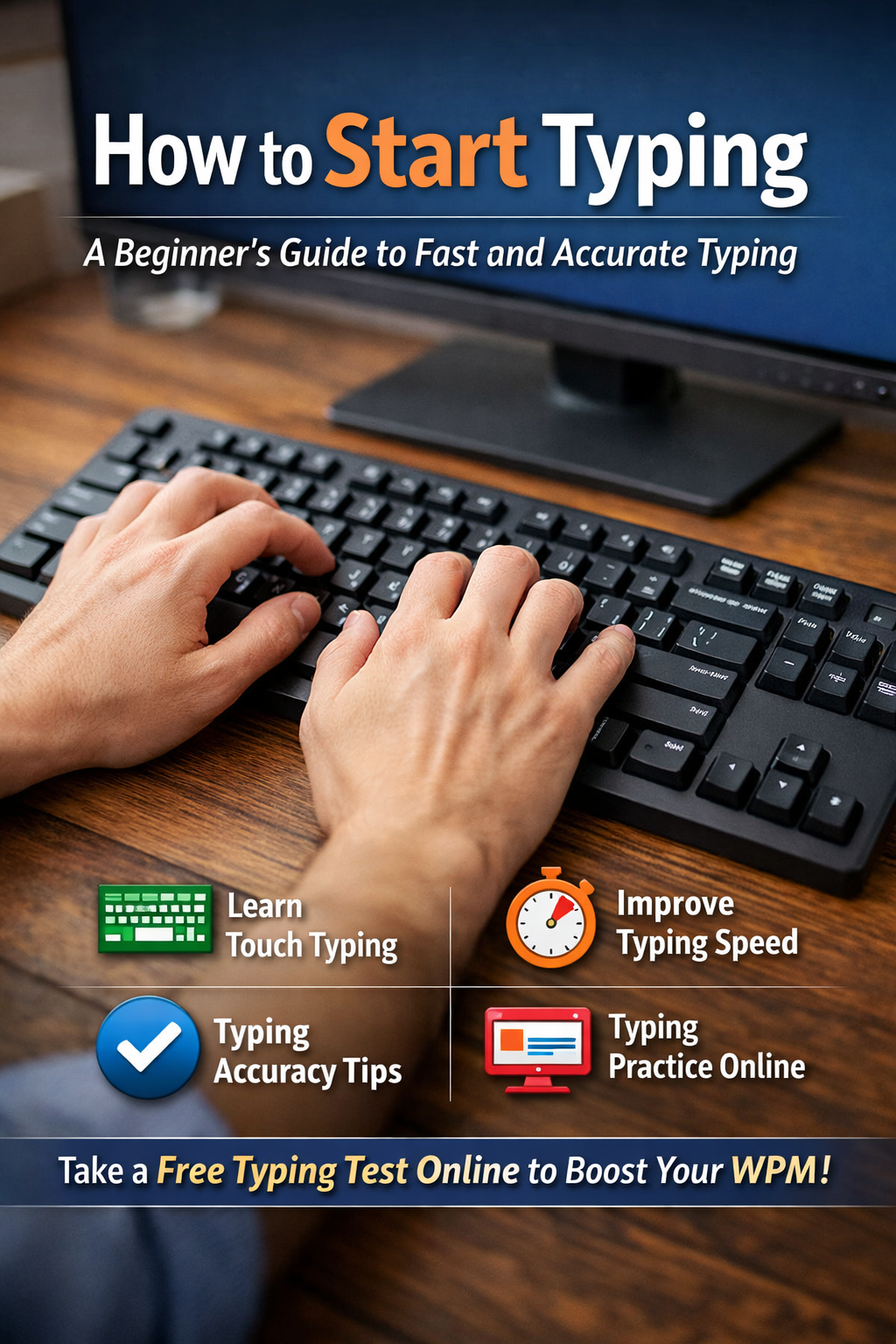
How to Start Typing: A Simple Guide for Beginners
If you are wondering how to start typing, you are not alone. Many people want to improve their computer skills but do not know where to begin. The good news is that anyone can learn to type with the right technique and regular practice.
Whether you are a student, job seeker, office worker, or complete beginner, learning to type correctly can save time and make everyday computer tasks easier.
In this guide, you will learn the basics of touch typing, correct keyboard finger placement, beginner typing exercises, and ways to practise online. You will also discover how to track your progress and gradually improve your typing speed and accuracy.
What Is Touch Typing?
Touch typing is a method of typing without looking at the keyboard. Instead of searching for each key with your eyes, you learn to use the correct fingers and develop a sense of where each key is located.
At first, touch typing may feel slower than looking down at the keyboard. This is normal. With consistent practice, your fingers gradually become more familiar with their positions.
Touch typing can help you:
- Type more comfortably without constantly looking at the keyboard.
- Reduce unnecessary pauses while writing.
- Improve typing accuracy.
- Build a foundation for increasing your words per minute (WPM).
The goal at the beginning is not to type as fast as possible. Focus on learning the correct technique first.
1. Learn the Correct Keyboard Finger Placement
Before starting regular typing practice, learn where your fingers should rest. On a standard QWERTY keyboard, the home row is the starting position for your fingers.
- Left hand: A, S, D, F
- Right hand: J, K, L, ;
- Thumbs: Space bar
Place your left little finger on A, ring finger on S, middle finger on D, and index finger on F. Place your right index finger on J, middle finger on K, ring finger on L, and little finger on the semicolon key.
Most standard keyboards have small raised marks on the F and J keys. These help you find the correct finger positions without looking down.
After pressing another key, return your fingers towards the home row. This helps you maintain a consistent starting position.
2. Start with Basic Typing Lessons
A beginner should not try to learn every key at once. Divide your practice into small steps so that your fingers can learn each movement.
Follow this sequence:
- Home row: Practise A, S, D, F, J, K, L, and semicolon.
- Top row: Learn Q, W, E, R, T, Y, U, I, O, and P.
- Bottom row: Practise Z, X, C, V, B, N, and M.
- Common words: Type short words such as “the,” “and,” “you,” and “have.”
- Short sentences: Move on to simple sentences that include capital letters and punctuation.
Spend enough time on each stage to become comfortable before moving forward. If you keep making mistakes with a particular key, practise that key separately.
This step-by-step typing training approach is more useful for beginners than immediately attempting difficult paragraphs.
3. Practise Typing Online Every Day
Typing practice online allows you to develop your skills without installing special software. Many online tools provide lessons, timed tests, and feedback about your speed and accuracy.
You can begin practising on TypingTestSkill, where you can take an online typing test and monitor your performance.
During your practice, try to:
- Identify the keys that cause the most mistakes.
- Practise common letter combinations and words.
- Maintain a steady typing rhythm.
- Repeat exercises that feel difficult.
- Track your results over time.
You do not need to practise for hours every day. Starting with 10–15 minutes of focused practice is a manageable way to build a routine.
Consistency is more important than completing one long practice session and then stopping for several days.
4. Focus on Accuracy Before Speed
One of the most common mistakes beginners make is trying to type quickly before learning the correct technique.
Typing faster is not helpful if you frequently press the wrong keys. Errors interrupt your rhythm and may require additional time to correct.
Use these typing accuracy tips:
- Keep your eyes on the screen rather than constantly looking down.
- Use the correct finger for each key.
- Slow down when you begin making repeated mistakes.
- Read the text carefully before typing it.
- Practise difficult words and letter combinations separately.
Try to maintain around 95% accuracy as an initial practice target, then work towards higher accuracy as your skills improve. This is a useful learning goal, not a universal requirement for every typing test or job.
Once you can type common words accurately, gradually increase your speed while maintaining control.
5. Learn How to Type Faster
If you want to know how to type faster, focus on building good habits instead of rushing your fingers.
Start by typing at a comfortable pace. Concentrate on smooth movements, correct finger placement, and fewer unnecessary pauses.
As you improve, practise longer words, complete sentences, and paragraphs. These exercises help you become familiar with normal typing patterns.
You can also use timed exercises to measure your progress. Begin with a short test and gradually try longer sessions when you feel comfortable.
For more detailed advice, read our guide on how to improve typing speed.
Remember that progress varies from person to person. Your keyboard familiarity, practice routine, and accuracy all affect how quickly your speed improves.
6. Follow a Simple Daily Typing Routine
A short, structured routine can help you practise consistently without feeling overwhelmed.
Here is a beginner-friendly 15-minute routine:
- Minutes 1–3: Practise home row keys and correct finger placement.
- Minutes 4–7: Complete basic typing exercises using individual letters and short words.
- Minutes 8–12: Type sentences or a short paragraph while focusing on accuracy.
- Minutes 13–15: Take a short typing test and review your mistakes.
Repeat this routine regularly. If you find a particular exercise difficult, spend more time on it rather than rushing to the next stage.
After a week, review your results and identify which keys or words still cause problems. Use that information to plan your next practice sessions.
7. Take an Online Typing Test to Track Progress
A typing test online helps you understand your current performance. Most typing tests report your speed in words per minute (WPM) and your typing accuracy.
Start with a free online typing test. Record your result, practise regularly, and take another test under similar conditions to compare your performance.
You can also try different test durations:
- 1-minute typing test for a quick check.
- 3-minute typing test for a short practice session.
- 5-minute typing test to practise maintaining a steady pace.
- 10-minute typing test to work on consistency over a longer session.
Beginners can start with shorter tests and move to longer ones as they become more comfortable.
Do not worry if your first score is low. Your initial result is simply a starting point that you can use to measure future progress.
8. Why Typing Skills Matter for Students
Typing skills are useful for students because many academic tasks involve computers. Students may need to type assignments, prepare notes, write emails, complete online forms, or take computer-based examinations.
Learning to type correctly can help students spend less time searching for keys and more time concentrating on what they want to write.
Typing can also be valuable when applying for office jobs, data-entry positions, and certain government posts. However, the required typing speed and language skills depend on the specific job or examination.
Students should begin with basic typing lessons, practise regularly, and use typing tests to monitor their development.
Common Mistakes Beginners Should Avoid
When learning to type, avoid these common mistakes:
Looking at the keyboard constantly: Try to keep your eyes on the screen and use the raised marks on F and J to find the home row.
Using only two fingers: This may feel comfortable at first, but learning the appropriate fingers for different keys can help develop a more consistent technique.
Chasing speed too early: Build accuracy and correct finger placement before trying to increase your WPM.
Practising without reviewing mistakes: Look at your results and repeat exercises that target your weakest keys.
Giving up because progress feels slow: Touch typing takes time to learn. Regular practice helps you develop familiarity and confidence.
Frequently Asked Questions
How should a beginner start typing?
Begin by learning the home row keys, placing your fingers correctly, and practising simple letter combinations. Gradually move to words, sentences, and timed typing tests.
How long should I practise typing each day?
Start with 10–15 minutes a day. Practise consistently and adjust your routine according to your progress and comfort level.
Should I focus on typing speed or accuracy first?
Focus on accuracy and correct finger placement first. Once you can type common words reliably, gradually work on increasing your speed.
Can I learn touch typing online for free?
Yes. Free online typing tools can provide exercises and speed tests. You can use TypingTestSkill to practise and measure your performance.
What is a good typing speed for a beginner?
There is no single speed that defines every beginner. Your starting speed depends on your previous experience and familiarity with the keyboard. Focus on improving your own results while maintaining good accuracy.
Is touch typing difficult to learn?
It may feel unfamiliar at first, especially if you are used to looking at the keyboard. With regular practice, the key positions and finger movements can become more natural.
Final Thoughts
Learning how to start typing does not require advanced computer knowledge. Begin with correct finger placement, practise the home row, and gradually learn the remaining keys. Focus on accuracy before speed, and follow a short daily routine that you can maintain.
Use online typing exercises and regular tests to check your progress. With patience and consistent practice, you can develop stronger typing skills for studying, everyday computer tasks, and future job opportunities.
Ready to practise? Visit TypingTestSkill and take your first typing test today.