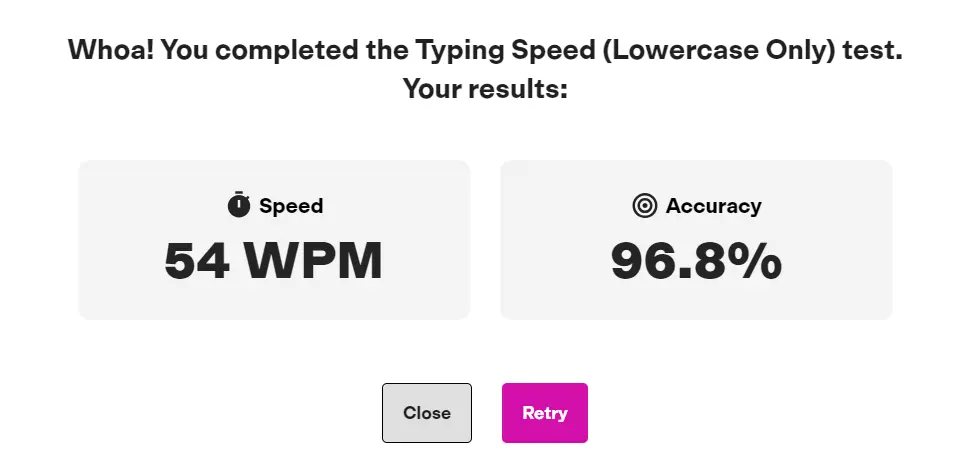
What Is a Good Typing Speed? WPM Benchmarks for Students, Jobs & Professionals
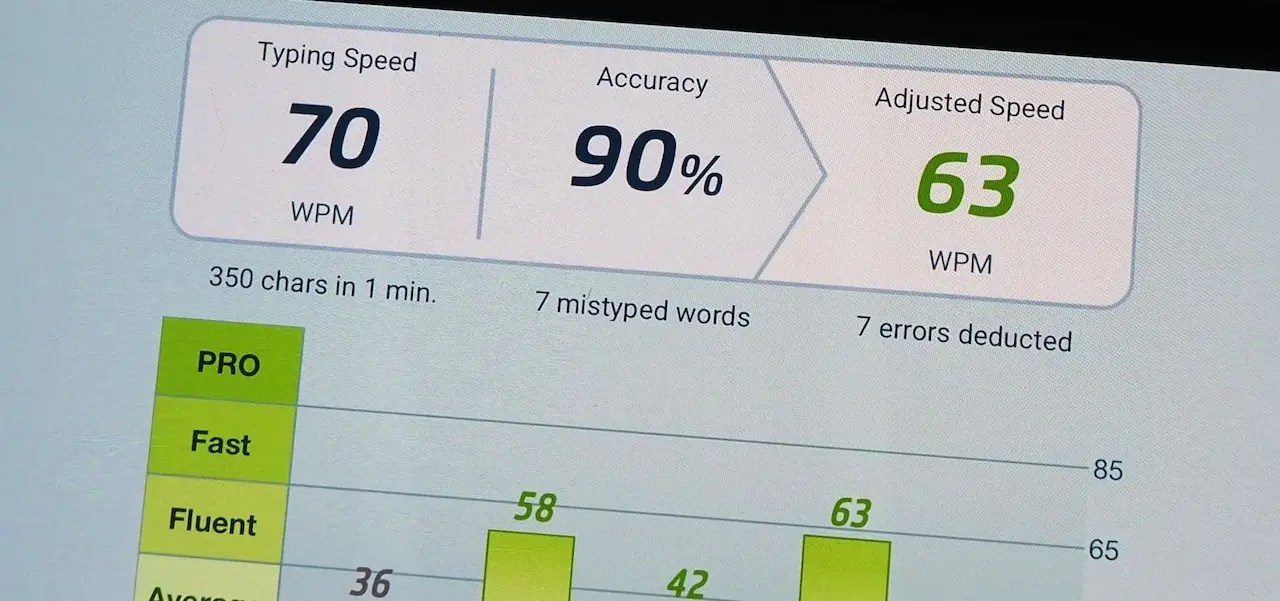
What Is a Good Typing Speed? WPM Benchmarks for Students, Jobs & Professionals
Typing speed is an important computer skill for students, job seekers, office workers, and freelancers. Whether you are completing an assignment, entering data, writing reports, or preparing for a typing examination, your typing speed can affect how efficiently you work.
After taking an online typing test, many people ask the same question: What is a good typing speed?
The answer depends on your experience, the type of work you do, and how accurately you type. A speed of 40 words per minute (WPM) can be useful for everyday tasks, while some jobs require 50, 60, or more WPM. Other positions place greater emphasis on accuracy or specialized skills.
In this guide, you will learn about average typing speed, WPM benchmarks for students and professionals, job-related requirements, and practical ways to improve your typing performance.
What Does Typing Speed Mean?
Typing speed is commonly measured in words per minute, or WPM. It indicates how quickly you can type text during a timed test.
Many typing tests use a standard calculation in which one word represents five characters, including spaces. Under this method, typing 250 characters in one minute equals 50 gross WPM.
However, typing platforms may calculate net speed and accuracy differently. Some deduct errors from the score, while others report gross WPM and accuracy separately.
For this reason, do not judge your typing ability by speed alone. Consider your accuracy, the difficulty of the text, and the test's scoring method when comparing results.
What Is a Good Typing Speed?
For general English typing, the following ranges can serve as practical benchmarks. They are approximate guidelines rather than universal standards.
Typing speedGeneral interpretationBelow 25 WPMBeginner or developing skill25–39 WPMBasic to moderate typing ability40–49 WPMUseful speed for many everyday tasks50–59 WPMSolid typing speed for regular computer work60–79 WPMFast typing for many general tasks80–99 WPMAdvanced typing speed100+ WPMVery high typing speed
These ranges are not official employment classifications. Your practical performance also depends on accuracy, text complexity, language, and whether you are copying text or composing it yourself.
For many everyday tasks, reaching 40–50 WPM with good accuracy is a reasonable goal. If your work involves extensive typing, aiming for 60 WPM or higher may be beneficial.
Want to find your current level? Take the free online typing speed test on TypingTestSkill and record both your WPM and accuracy.
What Is a Good Typing Speed for Students?
Students use computers for assignments, research, presentations, online learning, and examinations. A suitable typing speed helps them complete these tasks more efficiently.
Here are some illustrative targets:
- School students: Building toward 25–35 WPM can be a useful starting goal.
- College students: Around 35–50 WPM can be helpful for assignments and regular computer work.
- University students: A target of 40–60 WPM may be useful for longer written assignments and computer-based tasks.
These are suggested practice goals, not age-specific averages or official educational standards.
Accuracy is especially important when entering answers into online examinations or preparing documents. A student who types at 45 WPM with consistent accuracy may perform more effectively than someone who types faster but makes frequent mistakes.
If you are a student, start with short typing exercises and gradually practise longer passages. Track your results over time instead of comparing yourself with advanced typists.
What Is a Good Typing Speed for Data Entry Jobs?
Data entry work involves entering, updating, or checking information in digital systems. Employers may assess both typing speed and accuracy during recruitment.
A speed of 40–50 WPM can be a useful preparation target for general data entry positions. Some vacancies may require 60 WPM or more, while others use different assessments or emphasize numerical entry.
Accuracy is particularly important because incorrect names, figures, dates, and records can cause problems.
If you are preparing for data entry work, focus on:
- Maintaining high accuracy while typing at a steady pace.
- Practising numbers, dates, and common data-entry formats.
- Learning to use the numeric keypad when appropriate.
- Following the instructions and scoring rules of the employer's test.
- Checking the job advertisement for the actual minimum requirements.
A target of 50 WPM with at least 95% accuracy can be a useful personal goal, but it does not guarantee qualification for a particular job.

What Typing Speed Is Required for Government Jobs?
Typing requirements for government jobs vary by department, position, language, and recruitment rules.
Some clerical vacancies require a specified English typing speed. Others may test Urdu typing, data entry, shorthand, or additional computer skills. A speed requirement for one position should not be assumed to apply to every government examination.
If you are preparing for a government job:
- Read the official advertisement carefully.
- Confirm the required typing language.
- Check the minimum WPM or key-depression requirement, if applicable.
- Review the test duration and error-penalty rules.
- Practise under conditions similar to the actual assessment.
For applicants in Pakistan, the Punjab Public Service Commission (PPSC) website is a starting point for checking relevant advertisements and recruitment information. Applicants should also consult the official website of the specific recruiting authority.
Online practice tests can help you develop your skills, but they do not automatically replace an official recruitment test or guarantee acceptance of an online certificate.
What Is a Good Typing Speed for Professionals?
Typing needs differ across professional roles. An office administrator may spend much of the day preparing documents, while a programmer may spend more time thinking through problems than typing continuous prose.
These broad examples can help you choose a personal target:
- General office work: 40–60 WPM may be useful for many routine tasks.
- Administrative and clerical work: 45–60 WPM can be a practical preparation range, depending on the position.
- Writing and content-related work: 50–70 WPM may help with drafting and editing.
- Transcription: Requirements vary, and listening accuracy, language comprehension, and formatting matter alongside typing speed.
- Programming: Raw WPM is only one part of productivity; code comprehension, problem-solving, and accuracy also matter.
These are suggested ranges for practice, not verified averages or universal employer requirements.
For most computer-based work, the best target is a speed that allows you to work efficiently without sacrificing the quality of your output.
Is 40 WPM a Good Typing Speed?
Yes. 40 WPM is a useful typing speed for many everyday tasks. It can be enough for routine emails, online forms, assignments, and general computer work.
Whether it is sufficient for a job depends on the employer's requirements. Some positions accept a lower speed, while others require a higher score or a specific test format.
If you currently type at 40 WPM, work toward maintaining consistent accuracy before trying to increase your speed. A gradual target of 45 or 50 WPM can help you improve without developing a habit of rushing.
Is 50 WPM a Good Typing Speed?
Yes. A typing speed of 50 WPM is a solid practical target for many students and office workers.
At this speed, you can enter text at a reasonable pace, although the time required to finish a task also depends on how much planning, editing, or research it involves.
To move beyond 50 WPM, practise touch typing, identify your most frequent errors, and use timed tests to measure your progress.
Is 60 WPM Fast?
Yes. 60 WPM is a fast typing speed for many general-purpose tasks. It is a useful target for people who regularly write documents, handle correspondence, or prepare for typing-based assessments.
However, a 60 WPM result does not automatically meet every professional requirement. Some employers use different thresholds, languages, or scoring systems.
Try to maintain good accuracy as you increase your speed. A consistent result across several tests is more informative than a single high score.

Is 80 WPM Considered Good?
Yes. An 80 WPM result is an advanced typing speed for general English text and can be an advantage in work that involves substantial typing.
At this level, maintaining accuracy becomes especially important. Reaching 80 WPM in a short test may not mean you can sustain that pace for a longer passage.
To assess your consistency, compare results from different test durations and review your errors. Longer tests can help you understand how well you maintain your technique over time.
How Does Accuracy Affect Typing Speed?
Typing speed and accuracy should be assessed together.
For example, a typist who reaches 70 WPM but makes many errors may need additional time to correct the text. Another typist working at 60 WPM with fewer mistakes may complete the task more efficiently.
Aiming for 95% accuracy or higher is a useful practice goal for many learners. However, different tests use different scoring methods, and actual job requirements may be higher or lower.
To improve your accuracy:
- Use the correct fingers for each key.
- Avoid looking down at the keyboard unnecessarily.
- Slow down when errors become frequent.
- Practise difficult words and letter combinations.
- Review your results after each test.
For more useful results, track both WPM and accuracy rather than focusing on only one number.
How to Improve Your Typing Speed
If your current typing speed is below your target, consistent practice can help you build better keyboard skills.
1. Learn touch typing
Practise typing without constantly looking at the keyboard. Start with the home row and learn to use the appropriate fingers for different keys.
2. Practise for 15–20 minutes a day
Short, focused sessions can help you establish a routine. Include finger exercises, common words, sentences, and timed tests.
3. Prioritize accuracy
Do not rush to reach a higher WPM score. Work on reducing errors first, then gradually increase your pace.
4. Take regular typing tests
Use the same test duration and similar difficulty when comparing results. Try the 1-minute typing test for a quick check, then use a 5-minute typing test to assess your consistency over a longer passage.
5. Track your progress
Record your WPM, accuracy, and common mistakes. Compare several sessions to identify whether your performance is improving.
6. Increase difficulty gradually
Once you can maintain good accuracy, practise longer passages and more challenging text. Set realistic goals based on your current performance instead of expecting a fixed improvement within a certain number of days.
How Long Does It Take to Improve Typing Speed?
There is no fixed timeline for increasing WPM. Progress depends on your current skill level, typing technique, practice quality, and consistency.
Beginners may notice improvement after several weeks of regular practice. Moving from 40 to 50 WPM may take less time for one person than for another, while improving from 80 to 90 WPM can require more targeted practice.
A simple approach is to:
- Measure your starting speed and accuracy.
- Practise regularly using a structured routine.
- Review errors and work on weak areas.
- Retest under similar conditions every week.
- Adjust your target based on your results.
Focus on consistent improvement rather than a guaranteed number of WPM per month.
Final Thoughts: What Is a Good Typing Speed?
A good typing speed depends on what you want to achieve. For everyday computer work, 40–50 WPM is a useful target. For roles that involve extensive typing, 60 WPM or higher may be beneficial. Speeds of 80 WPM and above indicate advanced typing performance, although accuracy and task requirements still matter.
If you are preparing for a job or examination, use the official requirements rather than relying on general benchmarks.
Most importantly, measure your speed and accuracy together. Practise consistently, correct recurring errors, and increase your pace gradually.
Start now: Take a free online typing test on TypingTestSkill, note your WPM and accuracy, and use that result as the baseline for your next practice session.
Frequently Asked Questions
1. What is the average typing speed for beginners?
Beginners may type at around 20–35 WPM, although starting speeds vary considerably. Regular practice and correct finger placement can help improve performance.
2. Is 30 WPM enough for a job?
It depends on the role. Some positions may accept 30 WPM, while others require 40, 50, or more WPM. Check the specific job advertisement for the official requirement.
3. What typing speed is required for data entry?
Some data entry positions use targets around 40–60 WPM, but requirements vary. Employers may also assess numerical entry, accuracy, and familiarity with data systems.
4. Is 80 WPM considered good?
Yes. Eighty WPM is an advanced speed for general typing. Maintaining accuracy and performing consistently across longer passages are also important.
5. How can I test my typing speed?
Use an online typing test that reports WPM and, ideally, accuracy. Repeat the test under similar conditions to compare results and track your progress.
6. Is typing speed more important than accuracy?
Neither should be considered in isolation. High speed with frequent mistakes can reduce productivity, while good accuracy helps you produce reliable text. The ideal balance depends on your task and the test's scoring rules.