10 Powerful Benefits That Can Improve Your Typing Speed and Accuracy
10 Powerful Benefits of Typing Tests: Improve Your Typing Speed and Accuracy
Typing is an essential skill for students, professionals, freelancers, and almost everyone who uses a computer. Whether you are writing assignments, preparing reports, or applying for jobs, good typing skills save time and make daily tasks easier.
Yet many people type every day without knowing their real speed or how many mistakes they make. That is where a typing test helps. With TypingTestSkill.com you can measure your current level, practice regularly, and build confidence with your keyboard.
1. Improve Your Typing Speed
A typing test shows how fast you type. Speed is measured in words per minute (WPM). You can check yours with our free typing speed test.
Once you know your baseline, set a realistic goal. If you type 25 WPM today, aim for 30 WPM before going higher. Speed grows through consistent practice, not by rushing every sentence.
2. Increase Typing Accuracy
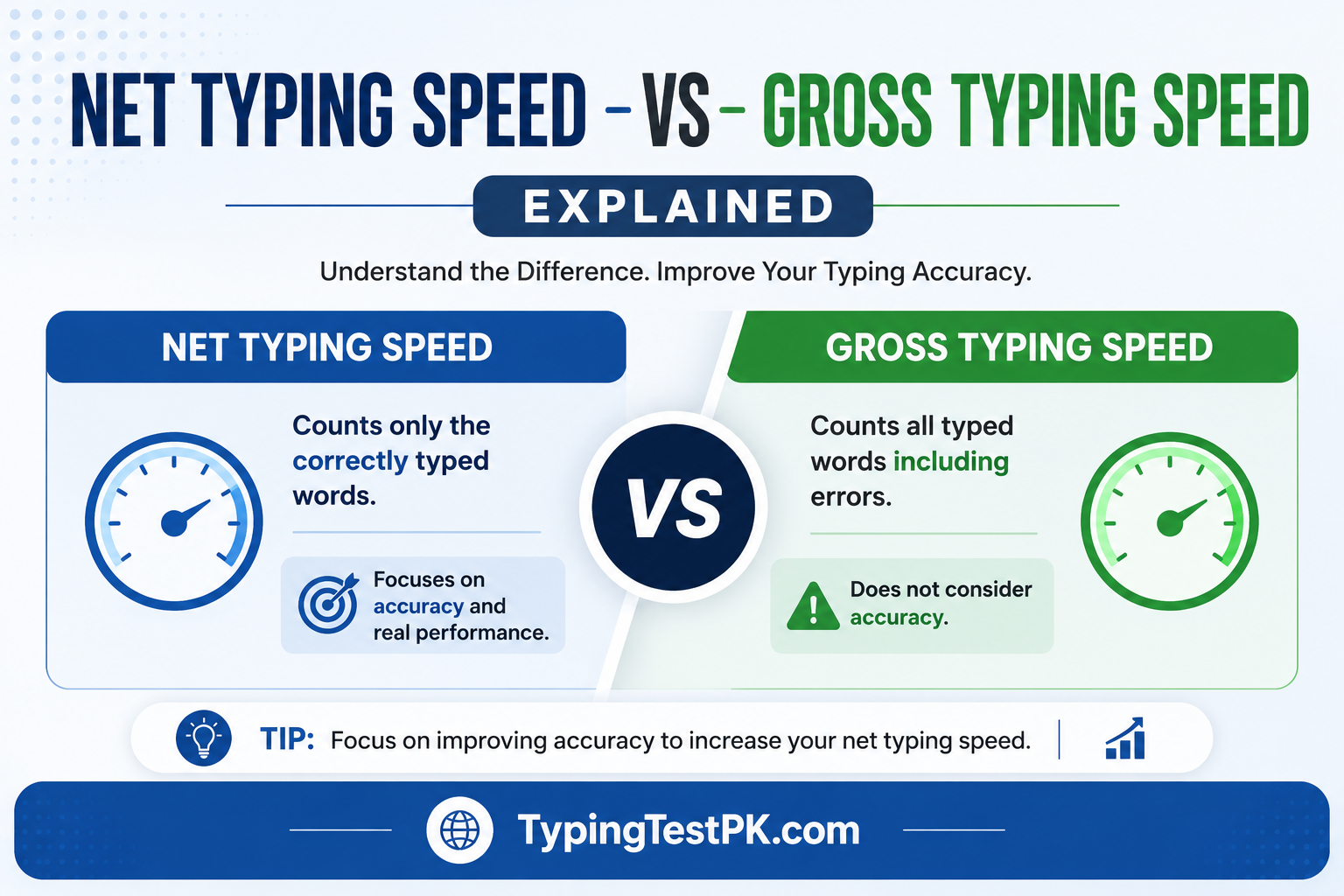
Speed is useful, but accuracy matters just as much. Too many mistakes mean extra time spent on corrections.
Typing tests train you to watch spelling, punctuation, and keystrokes. Focus on accuracy first, then increase speed gradually. A short 1-minute typing test is a good way to check both in a single quick session.
3. Save Time on Everyday Tasks
Better typing makes assignments, emails, and documents faster to complete. Students finish digital work more easily, office workers handle reports and emails efficiently, and freelancers benefit in writing and data entry projects.
4. Build Confidence for Online Jobs
Many online jobs need regular keyboard use, such as data entry, transcription, virtual assistance, customer support, and content writing. Some employers test typing speed and accuracy during hiring.
Practicing beforehand helps you see your strengths and weak areas. Typing speed alone cannot guarantee a job, but it is a valuable professional skill. Try a longer 5-minute typing test to simulate a real assessment.
5. Improve Focus and Concentration
Typing practice trains you to focus on the screen, your fingers, and the words you enter. Short sessions of 10-15 minutes work best. Take breaks when needed and work on one thing per session, such as rhythm or accuracy.
6. Track Your Progress Over Time
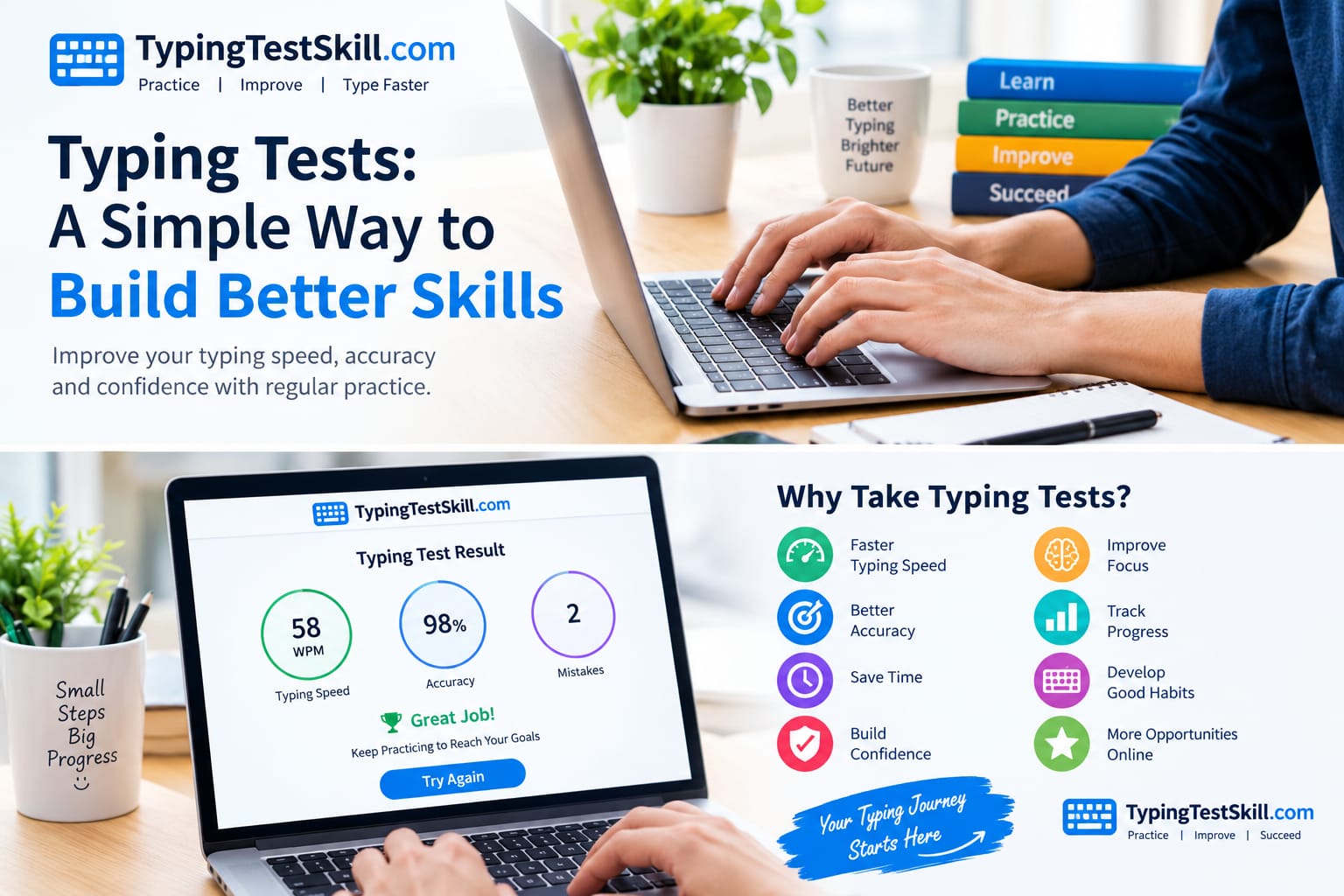
Seeing improvement is motivating. A typing test gives you measurable results: WPM, accuracy percentage, and error count. Record them weekly and compare.
A simple 4-week plan:
- Week 1: Focus on correct finger placement.
- Week 2: Work on reducing mistakes.
- Week 3: Practice a steady rhythm.
- Week 4: Compare results and set a new goal.
Ready to start your first week? Take a typing test now and note your score.
7. Develop Better Keyboard Habits
Many beginners look down at the keys. This is common, but learning proper finger placement helps you rely less on looking. Our touch typing guide explains the home row and finger positions step by step.
Sit upright, keep your wrists relaxed, and do not press keys too hard. Touch typing feels difficult at first, but with patience it becomes natural.
8. Make Learning Typing More Enjoyable
Learning does not have to be boring. Small goals, timed sessions, and beating your own previous score make practice more engaging. For example, aim to improve accuracy by two percentage points or add a few WPM over several sessions.
Compete with your past performance, not with others. Make typing practice part of your daily routine.
9. Who Should Take Typing Tests?
Students: Gain keyboard confidence for assignments and online exams that allow typing.
Job seekers: Prepare for roles with heavy computer use or typing assessments.
Freelancers: Build a skill that supports writing, admin work, and data entry.
Office professionals: Prepare documents and communicate more efficiently.
Beginners: Find your current level and set realistic goals.
10. Start Improving Your Typing Skills Today
You do not need to master everything in one day. Take a short test, find your weak spots, and practice regularly. Focus on accuracy before speed, keep a comfortable posture, and track your progress.
Ready to begin? Start your typing test on TypingTestSkill.com and see your WPM and accuracy in under a minute.
Frequently Asked Questions
What is a good typing speed?
Many sources consider around 40 WPM average for general computer use, while data entry and transcription roles often expect higher. Start from your own baseline and improve step by step.
How often should I practice?
Ten to fifteen minutes daily is more effective than one long weekly session.
Should I focus on speed or accuracy first?
Accuracy. Speed follows naturally once your keystrokes are correct.