How to Use Typing Tests Effectively to Track Your Progress
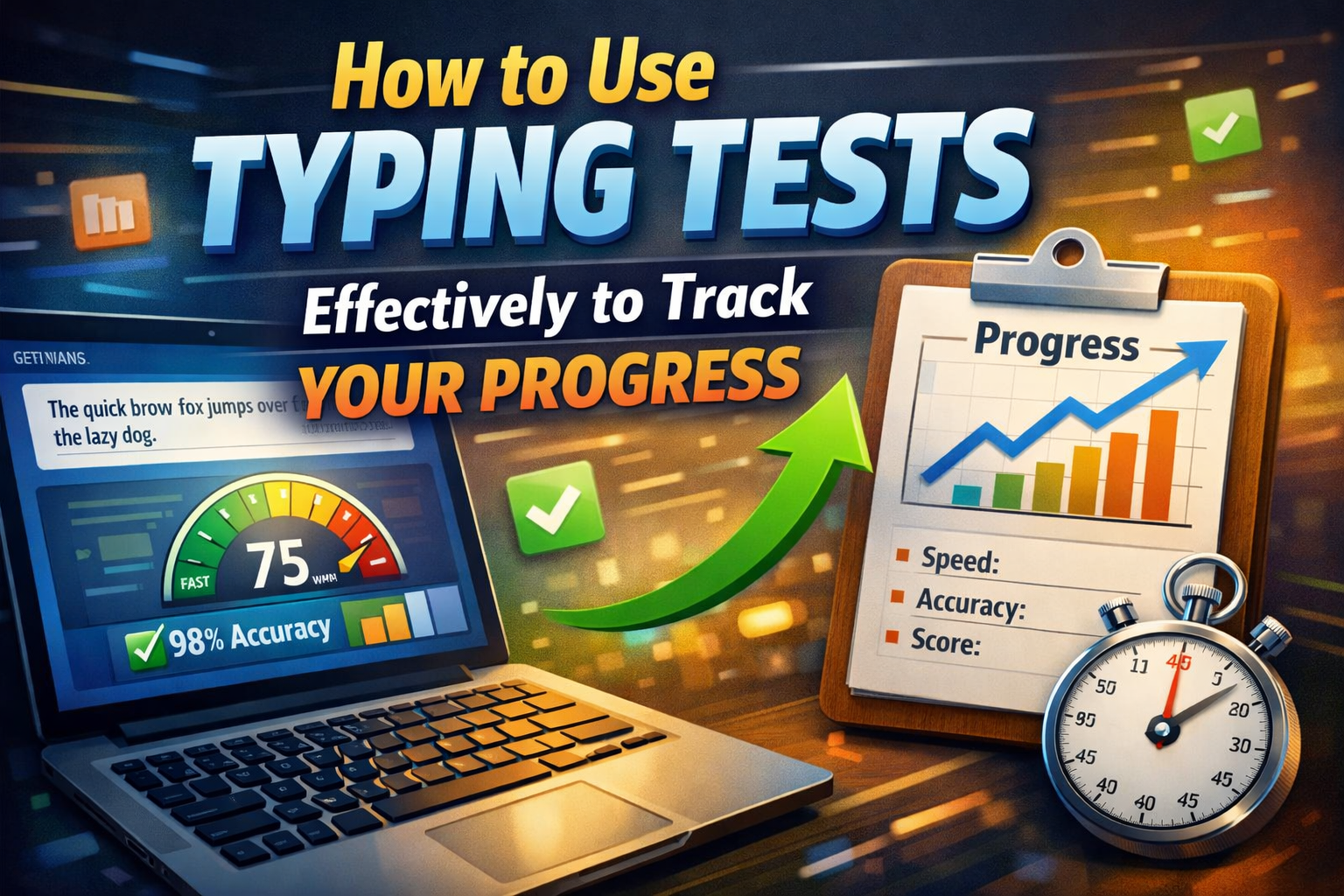
How to Use Typing Tests to Track Your Progress
Typing tests are useful tools for improving typing speed and accuracy. However, simply taking a test every day does not guarantee improvement. To get better results, you need to understand your performance, identify mistakes, and track your progress over time.
Whether you are a beginner, preparing for a typing exam, or improving your skills for office work, using typing tests strategically can help you build better typing habits.
The most effective approach is to establish a baseline, monitor your words per minute (WPM) and accuracy, practise weak areas, and compare results regularly instead of focusing only on your highest score.
Why Is Tracking Typing Progress Important?
Tracking your typing progress helps you understand whether your practice routine is working. Without keeping records, you might practise regularly without knowing if your speed, accuracy, or consistency is improving.
Monitoring your results can help you:
- Measure changes in typing speed and accuracy.
- Identify frequently mistyped letters and words.
- Set realistic and measurable goals.
- Recognise patterns in your performance.
- Adjust your practice routine based on actual results.
Progress tracking also helps you stay motivated because you can see how your skills develop over time.
1. Start With a Baseline Typing Test
Before beginning a new practice routine, take a typing test to measure your current performance. Your initial result is known as your baseline.
For example, suppose your first test shows 25 WPM with 90% accuracy. Record both numbers so you can compare them with future results.
Use the TypingTestSkill online typing test to measure your current speed and accuracy.
For a more reliable baseline, take two or three tests under similar conditions and note your typical performance. This reduces the chance of setting goals based on an unusually good or bad result.
2. Take Typing Tests Regularly
Consistency matters more than taking a large number of tests in one sitting. Depending on your schedule, you can take a short test daily or several times a week.
A useful routine is to practise first and then complete a timed test to check your performance. This helps you distinguish between skills you are developing during practice and the results you achieve under time pressure.
Try to use similar test durations when comparing results. A one-minute test and a ten-minute test may produce different WPM scores because of concentration, fatigue, and typing consistency.
3. Track Both Typing Speed and Accuracy
Most typing tests report two important measurements: words per minute and accuracy.
Words per minute (WPM) measures how quickly you type. Accuracy indicates how much of your typed content matches the expected text, according to the test's scoring method.
For example, consider these two results:
Test resultTyping speedAccuracyTest A40 WPM92%Test B37 WPM98%
Test A is faster, but Test B is more accurate. Which result is better depends on the requirements of your task. For many typing exams and professional roles, maintaining high accuracy is essential.
Do not try to increase your speed by ignoring mistakes. Aim to improve speed while maintaining or improving accuracy.
4. Analyze Your Typing Mistakes
Reviewing mistakes is one of the most useful steps in a typing practice routine. A test result tells you how you performed, while mistake analysis helps explain what needs improvement.
Look for patterns such as:
- Frequently mistyped letters.
- Errors involving capital letters and punctuation.
- Difficulty with numbers or symbols.
- Repeated mistakes in longer words.
- Extra spaces, missing spaces, or skipped words.
Once you identify a pattern, practise it separately. For example, if you regularly mistype letters that require your left-hand ring finger, spend a few minutes practising words containing those letters.
The goal is to correct the cause of repeated errors rather than simply taking more tests.
5. Keep a Record of Your Results
Maintain a simple record of your typing performance. You can use a notebook, a spreadsheet, or a progress-tracking feature if your typing platform provides one.
Record the following information after each test:
DateTest durationWPMAccuracyMain weaknessDay 11 minute2590%Common letter errorsDay 71 minute2893%PunctuationDay 141 minute3196%Longer words
These figures are an illustrative example, not a guaranteed improvement schedule.
Compare results collected under similar conditions. Looking at several tests over time is usually more useful than judging your ability from a single score.
6. Practise Your Weak Areas Separately
General typing practice develops overall familiarity with the keyboard, but targeted practice helps address specific problems.
If you struggle with certain keys, punctuation, numbers, or longer words, choose exercises that focus on those areas.
You can use TypingTestSkill typing practice to build consistency and work on your typing technique.
Try this simple approach:
- Identify one recurring weakness from your test results.
- Practise that weakness for five minutes.
- Complete a short typing test.
- Check whether your errors have decreased.
- Repeat the exercise if necessary.
Avoid trying to fix every weakness at once. Focusing on one or two problems makes your practice easier to manage.
7. Use Different Types of Typing Tests
Different typing tests measure different aspects of your ability. Practising only simple sentences may not prepare you for every typing task.
Include a variety of exercises in your routine:
- Common words: Build familiarity with frequent letter combinations.
- Long sentences: Improve rhythm and concentration.
- Punctuation: Practise commas, full stops, apostrophes, and capital letters.
- Numbers: Develop accuracy when entering numerical information.
- Timed tests: Learn to maintain performance under time pressure.
- Exam-style passages: Prepare for the format of your intended typing assessment.
If you are preparing for a specific recruitment exam, check its official instructions and practise using the required language, duration, and assessment format.
8. Maintain a Consistent Testing Environment
Your environment can affect your typing results. Whenever possible, use the same keyboard, device, posture, and test settings when comparing scores.
Sit comfortably, keep your wrists in a relaxed position, and place your fingers correctly on the keyboard. Avoid unnecessary interruptions during a timed test.
Consistency makes it easier to determine whether a change in your score reflects actual improvement or a difference in testing conditions.
9. Set Realistic and Measurable Goals
Clear goals help you organise your practice and evaluate progress.
Instead of saying, "I want to type faster," set a specific target, such as improving your typical result from 25 WPM to 30 WPM while maintaining at least 95% accuracy.
Your goals should reflect your current skill level and the requirements of your intended task. Some people improve quickly at first, while others need more time.
Review your results weekly and adjust your target when necessary. If your speed increases but your accuracy falls significantly, focus on correcting errors before pushing for a higher WPM score.
10. Avoid Common Typing Test Mistakes
Some common habits can make progress tracking less effective.
Taking tests without practice: Repeated testing measures performance but does not necessarily correct weak typing habits. Include focused practice between tests.
Focusing only on your highest score: One unusually high result may not represent your normal ability. Track your typical performance across several tests.
Ignoring accuracy: Fast typing with frequent mistakes can produce poor results in practical tasks and recruitment assessments.
Changing test conditions repeatedly: Different test durations and difficulty levels can make comparisons misleading.
Practising without reviewing errors: If you keep repeating the same mistakes, more practice alone may not solve the problem.
A balanced routine combines testing, targeted practice, and regular review.
11. Combine Typing Tests With a Regular Practice Routine
Typing tests are most useful when they are part of a broader learning routine. Use practice exercises to develop your technique and timed tests to measure the results.
Here is a simple 15-minute daily routine:
ActivityTimeWarm-up typing2 minutesFocused practice on weak areas5 minutesTimed typing test3 minutesReview mistakes3 minutesRecord results and set a target2 minutes
You can adjust the duration to suit your schedule. The important part is to practise consistently and use your results to decide what to work on next.
Conclusion
Typing tests can help you improve your typing speed and accuracy when you use them as part of a structured practice routine. Start with a baseline test, track WPM and accuracy, analyse recurring mistakes, and practise weak areas instead of chasing high scores.
Compare results under similar conditions and set realistic goals based on your current ability. Over time, this approach can help you develop more consistent typing skills for education, office work, and typing exams.
Start measuring your performance with the free TypingTestSkill typing test, then use regular practice to turn your results into meaningful improvement.
Frequently Asked Questions
How often should I take typing tests?
You can take a short typing test daily or several times a week. Combine testing with focused practice so you can improve the weaknesses revealed by your results.
What is more important in typing tests, speed or accuracy?
Both matter. Accuracy is a useful foundation because frequent mistakes can reduce the quality of your work. Aim to improve speed without sacrificing accuracy.
How can I track my typing progress?
Record your WPM, accuracy, test duration, and common mistakes after each test. Compare results collected under similar conditions to identify longer-term trends.
Can typing tests improve my typing speed?
Typing tests can help measure your performance and identify areas for improvement. Combining them with regular, targeted practice is more effective than relying on tests alone.
Why is my typing speed not improving?
Your speed may plateau if you practise inconsistently, repeat the same mistakes, focus only on speed, or use typing techniques that create unnecessary finger movement. Review your results and practise your weakest areas.
Should I use one-minute or five-minute typing tests?
Both can be useful. One-minute tests provide a quick performance check, while longer tests help you evaluate consistency and concentration. Use the duration that matches your goal, and keep it consistent when comparing results.