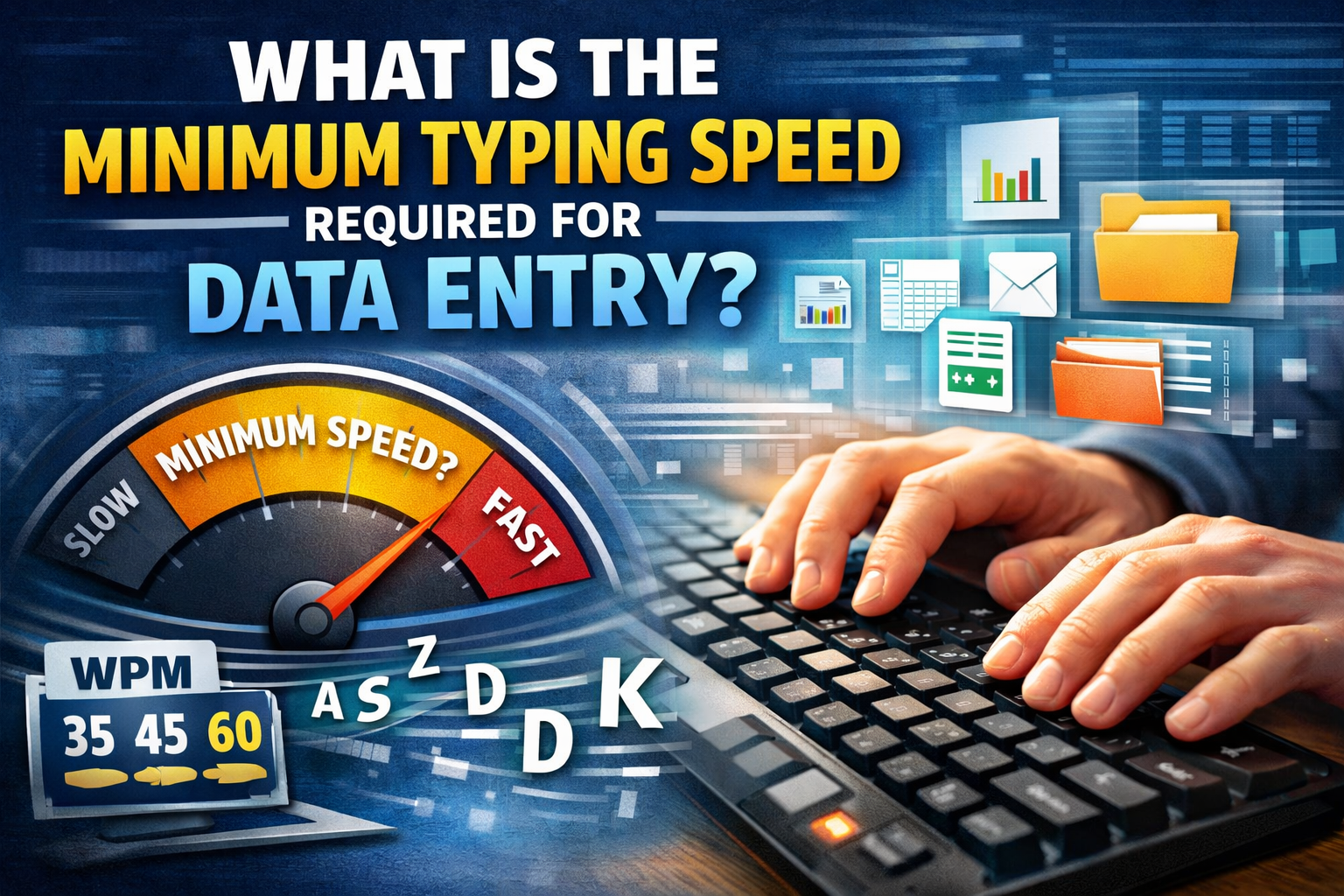
What is the minimum typing speed required for Data Entry?
Minimum Typing Speed Required for Data Entry Jobs
Typing speed is an important skill for data entry jobs. Since these roles involve entering information into computer systems, spreadsheets, and databases, employers often look for candidates who can type efficiently while maintaining accuracy.
If you are planning to apply for a data entry job, understanding common typing speed expectations can help you prepare for typing tests and improve your job prospects.
Quick Answer: What Typing Speed Is Required for Data Entry Jobs?
Many entry-level data entry jobs accept typing speeds of around 30 to 40 words per minute (WPM). Some employers prefer 40 to 50 WPM or higher, particularly for roles involving large amounts of data or strict deadlines.
Accuracy requirements also vary by employer. Aiming for at least 95% accuracy is a useful practice goal, but always check the specific job advertisement for its actual requirements.
Why Typing Speed Matters in Data Entry Jobs
Data entry professionals enter text, numbers, customer details, records, and other information into digital systems. Typing efficiently helps them complete tasks on time and manage larger workloads.
However, speed alone is not enough. Incorrect entries can create problems in customer records, reports, invoices, and financial documents. Employers therefore value candidates who can work quickly without sacrificing accuracy.
Standard Typing Speed Requirements for Data Entry
Typing requirements depend on the employer, job responsibilities, and assessment method. The following ranges are general preparation guidelines, not universal hiring standards.
Typing speedGeneral skill level20–29 WPMBeginner; more practice may be needed30–39 WPMA useful starting point for some entry-level roles40–49 WPMA stronger target for many data entry applications50+ WPMA competitive speed for roles requiring frequent typing
Some jobs focus on entering numerical data rather than ordinary text. These employers may assess numeric keypad speed, keystrokes per hour, or the number of records entered correctly. Read the job description carefully to understand which skill is being tested.
How Much Accuracy Is Required for Data Entry?
Accuracy is just as important as typing speed. Entering an incorrect name, address, account number, or payment amount can cause delays and errors.
A practical goal is to maintain 95% accuracy or higher while gradually increasing your speed. Some employers may require a higher accuracy rate, particularly when handling financial, medical, or other sensitive records.
To improve accuracy:
- Read the source information carefully before entering it.
- Use the correct finger placement and avoid looking at the keyboard.
- Slow down when you notice repeated mistakes.
- Review numbers, names, and other critical fields before submitting your work.
- Practise with realistic text and numeric-entry exercises.
Typing Speed vs. Keystrokes Per Hour
Some employers measure performance in keystrokes per hour (KPH) instead of words per minute.
As a rough illustration, 40 WPM may correspond to approximately 10,000 keystrokes per hour when using the common typing-test convention of five characters per word and assuming continuous typing. Actual performance can differ because of spaces, punctuation, pauses, and the employer's measurement method.
Do not assume that every company uses the same conversion. If a vacancy specifies a KPH requirement, check how the employer defines and measures keystrokes.
Other Skills Needed for Data Entry Jobs
Typing speed is only one part of data entry work. Employers may also look for:
- Attention to detail: Enter information correctly and spot mistakes.
- Basic computer skills: Use files, folders, and common software.
- Spreadsheet knowledge: Work with Microsoft Excel or Google Sheets.
- Data handling: Enter, sort, and organise records.
- Time management: Complete assigned work within deadlines.
- Confidentiality: Handle private or business information responsibly.
Improving these skills alongside typing speed can help you prepare for a wider range of data entry roles.
How to Improve Typing Speed for Data Entry Jobs
Consistent practice is one of the best ways to develop typing speed and accuracy.
1. Learn Proper Finger Placement
Practise the home-row keys and use the correct fingers for each key. Good technique can reduce unnecessary finger movement and help you type more comfortably.
2. Focus on Accuracy First
Avoid rushing to achieve a high WPM score. Build a reliable typing rhythm and work on reducing errors before trying to increase speed.
3. Take Regular Typing Tests
Use the TypingTestSkill online typing test to measure your current speed and accuracy. Repeat tests under similar conditions to track progress over time.
4. Practise Every Day
Set aside 10–20 minutes for focused practice. Start with short exercises and gradually increase the difficulty as your accuracy improves.
5. Practise Realistic Data Entry Tasks
Along with paragraphs, practise typing names, addresses, dates, reference numbers, and numeric sequences. This helps you prepare for assessments that involve more than ordinary text.
You can also use TypingTestSkill typing practice to build consistency and identify areas that need improvement.
How Long Does It Take to Reach 40–50 WPM?
The time required depends on your current typing speed, accuracy, technique, and practice schedule. Some beginners may reach 30 WPM within a few weeks, while others need more time.
Reaching 40–50 WPM may take several weeks or months of consistent practice. There is no guaranteed timeline, so measure your progress rather than relying on a fixed deadline.
For a useful progress check, record your WPM and accuracy at the start of each week. Aim to improve gradually without allowing your error rate to rise.
What Typing Speed Should You Aim For?
If you are preparing for data entry jobs, aim for 40–50 WPM with strong accuracy as a practical general target. A speed of 50 WPM or more may be helpful for positions involving frequent text entry, but it does not guarantee employment.
The best target is the one that matches the job advertisement and the type of test used by the employer. For numerical data entry, practise using the numeric keypad if the assessment requires it.
Conclusion
Many entry-level data entry jobs look for typing speeds around 30–40 WPM, while some employers prefer 40–50 WPM or higher. These figures are general guidelines, and actual requirements vary by role.
Focus on both speed and accuracy, practise realistic data entry tasks, and use regular typing tests to track your progress. Developing spreadsheet skills and attention to detail can also strengthen your job applications.
Start practising with the free TypingTestSkill typing test and work towards the speed and accuracy required for your target role.
Frequently Asked Questions
What is the minimum typing speed for data entry jobs?
Some entry-level positions accept around 30 WPM, while others require 40 WPM or more. Always check the employer's specific requirements.
Is 35 WPM good for data entry?
35 WPM can be a reasonable starting point for some entry-level jobs. Improving your accuracy and working towards 40–50 WPM may give you more options.
What accuracy is required for data entry?
Requirements vary by employer. Aiming for 95% accuracy or higher is a useful practice goal, but it is not a universal hiring requirement.
Can I get a data entry job with 30 WPM?
Possibly. Some employers may accept 30 WPM, particularly for entry-level roles, but other vacancies may require a higher speed or a separate numeric-entry test.
How can I improve my typing speed for data entry?
Practise regularly, learn proper finger placement, prioritise accuracy, and take timed typing tests. Practise numbers and realistic records if your target job involves numeric data entry.
Is typing speed more important than accuracy?
Both matter. High speed is useful only when you can maintain the accuracy required for the job. Incorrect entries may need correction and can affect work quality.