How Long Does It Take to Build Muscle Memory for Typing
Free Online Typing Speed Test: Improve Your WPM and Accuracy
Want to know how fast you can type? Take a free online typing speed test on TypingTestSkill to measure your typing speed, check your accuracy, and practise at your own pace. Whether you are a student, office worker, job applicant, freelancer, or beginner, regular typing practice can help you become more confident and efficient at the keyboard.
A typing speed test measures how many words you type per minute (WPM) and how accurately you reproduce the displayed text. You can choose a short test to check your current performance or a longer test to practise maintaining a consistent speed.
Ready to begin? Take a free online typing test and check your current WPM and accuracy.
What Is an Online Typing Speed Test?
An online typing speed test is a browser-based tool that measures your keyboard typing performance. You type the text displayed on the screen, and the test evaluates your speed and accuracy.
Unlike a simple typing exercise, a proper typing test helps you understand how quickly and correctly you can enter text under a time limit. It can also help you identify common mistakes, such as incorrect spelling, missed letters, and unnecessary backspacing.
Typing speed tests are useful for:
- Students who want to improve their computer skills.
- Job applicants preparing for typing or computer-based recruitment tests.
- Office workers who regularly prepare documents, emails, and reports.
- Freelancers who want to improve their productivity.
- Beginners learning to type without looking at the keyboard.
- Anyone who wants to track typing progress over time.
TypingTestSkill provides online practice options so you can work on your speed and accuracy without installing desktop software.
How to Take a Free Typing Speed Test
You do not need special equipment or advanced computer knowledge to begin. Follow these simple steps:
- Open the TypingTestSkill typing test page.
- Select a test duration that matches your goal.
- Read the displayed passage and begin typing.
- Focus on entering the correct characters rather than rushing.
- Complete the test and review your results.
- Practise again and compare your performance with your previous attempts.
For the most useful comparison, practise under similar conditions each time. Use the same keyboard, sit comfortably, and avoid looking at your hands while typing.
Choose Your Typing Test Duration
The best test duration depends on what you want to improve. A short test is useful for a quick check, while a longer test helps you practise consistency and concentration.
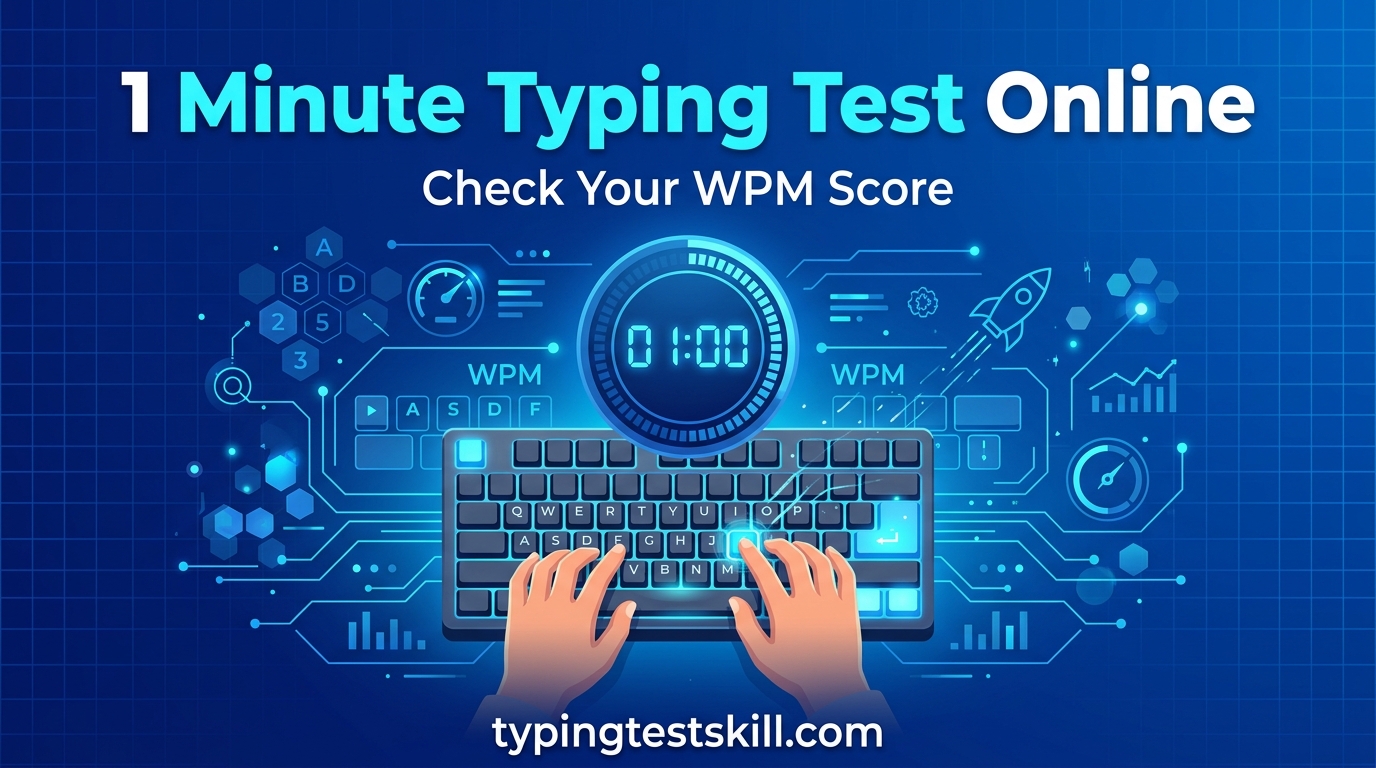
1-Minute Typing Test
A 1-minute typing speed test is a quick way to check your current typing speed. It is suitable for beginners who want a short practice session and experienced typists who want to monitor their performance.
Because the test is short, your result may vary from one attempt to another. Take several tests before deciding whether your speed has improved.
3-Minute Typing Test
Try the 3-minute typing test when you want more practice than a one-minute session provides. It gives you additional time to settle into a rhythm and focus on accurate typing.
5-Minute Typing Test
The 5-minute typing test is a practical option for regular daily practice. It helps you work on maintaining your pace without sacrificing accuracy.
If you are preparing for a typing assessment, use this duration to practise consistently and identify recurring errors.
10-Minute Typing Test
A 10-minute typing test is useful for building concentration and reducing speed fluctuations. It encourages you to maintain a steady typing rhythm for longer.
15-Minute Typing Test
Use the 15-minute typing test to practise sustained typing. This can be useful if your work or preparation requires you to type for extended periods.
30-Minute Typing Test
The 30-minute typing test is designed for a longer practice session. It can help you assess whether you can maintain focus, accuracy, and a relatively consistent pace over time.
Start with a shorter test if you are new to typing. Gradually increase the duration as your comfort and endurance improve.
What Is WPM in a Typing Speed Test?
WPM stands for words per minute. It is a standard measure used to describe typing speed.
In many typing tests, a word is counted as five characters, including spaces. Under this convention, typing 250 characters in one minute is equivalent to approximately 50 gross WPM.
A common calculation is:
Gross WPM = Total characters typed ÷ 5 ÷ Time in minutes
For example, if you type 1,000 characters in five minutes:
1,000 ÷ 5 ÷ 5 = 40 gross WPM.
Some typing tests also account for errors to calculate net WPM. The exact formula can vary by platform, so always check how your test calculates the final score.
What Is a Good Typing Speed?
A good typing speed depends on your experience, the type of work you do, and the requirements of your employer or examination.
The following ranges are general practice benchmarks, not official pass marks for every job or test.
Typing speedGeneral interpretationBelow 20 WPMBeginner; focus on keyboard familiarity and accuracy20–30 WPMDeveloping basic typing skills30–40 WPMA useful foundation for everyday typing40–50 WPMA practical target for many routine office tasks50–60 WPMA strong general typing speed60+ WPMFast typing, especially when accuracy remains high
Some administrative, data-entry, transcription, or recruitment roles may require a particular speed. Always check the official job advertisement or examination instructions instead of relying on a general benchmark.
If your current speed is 25 WPM, do not worry about reaching 60 WPM immediately. Set a realistic target, practise consistently, and measure your progress.
Why Typing Accuracy Matters as Much as Speed
Typing quickly is useful, but speed alone does not guarantee good performance. Frequent errors can reduce your effective output and force you to spend extra time correcting documents.
Accuracy is commonly expressed as a percentage. A simplified calculation is:
Accuracy = Correct entries ÷ Total entries × 100
For example, if 95 out of 100 counted entries are correct, the accuracy is 95%. Actual test calculations may differ depending on whether the tool counts characters, words, or errors.
To improve accuracy:
- Slow down when you notice repeated mistakes.
- Learn the correct position of your fingers.
- Keep your eyes on the text rather than your hands.
- Pay attention to punctuation, capital letters, and spaces.
- Practise difficult letter combinations.
- Review mistakes after each session.
Once you can type accurately at a steady pace, gradually work on increasing your speed.
How to Improve Your Typing Speed
Improving typing speed requires regular practice, correct technique, and patience. Instead of trying to type as fast as possible in every session, focus on building habits you can maintain.
1. Learn Touch Typing
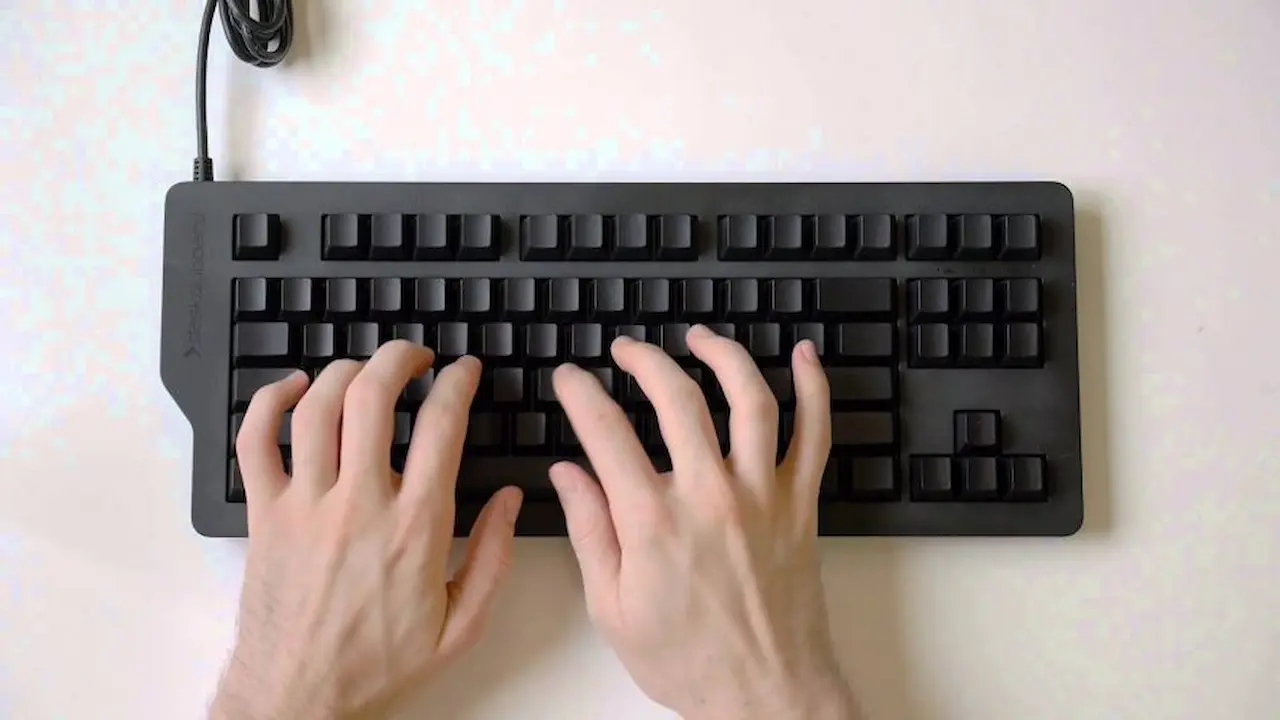
Touch typing means using the keyboard without constantly looking at your fingers. Place your fingers on the home row: A, S, D, and F for the left hand, and J, K, L, and the semicolon key for the right hand on a standard QWERTY keyboard.
Practise reaching other keys while returning your fingers to the home row. This technique can reduce unnecessary hand movement.
2. Prioritise Accuracy Before Speed
Rushing can create repeated errors and bad habits. Start at a speed you can control, then increase your pace gradually as your accuracy improves.
3. Practise Every Day
A short, focused session each day can be more manageable than one long session every few days. Try 10–15 minutes of practice and review your results at the end.
Use the free typing test on TypingTestSkill to check your performance regularly.
4. Keep Your Hands and Body Comfortable
Sit upright, relax your shoulders, and keep your wrists in a comfortable neutral position. Avoid striking the keys with unnecessary force. Take breaks during longer practice sessions.
5. Focus on Difficult Keys
Notice which letters, numbers, or punctuation marks cause the most errors. Practise short passages containing those characters rather than repeating only the text you already know.
6. Track Your Progress
Record your WPM and accuracy after each practice session. Compare results over several days instead of judging your ability from one unusually good or bad attempt.
7. Practise With Different Durations
Short tests can help you check speed, while longer sessions can help you develop consistency. Rotate between the 1-minute test, 5-minute test, and 10-minute test depending on your goals.
Typing Practice for Students and Job Seekers in Pakistan
Typing skills can be useful for students, office staff, data-entry operators, and applicants for clerical or administrative positions in Pakistan.
Some recruitment processes include a typing test or specify a minimum typing speed. However, requirements vary by department, post, language, test duration, and recruitment notice.
Before preparing for a particular position:
- Read the official job advertisement carefully.
- Confirm the required typing speed and test duration.
- Check whether the test is in English, Urdu, or another language.
- Practise using passages and conditions similar to the announced assessment.
- Check whether the test measures gross speed, net speed, accuracy, or a combination.
Typing practice can help you prepare, but completing an online practice test does not guarantee selection or satisfy an official recruitment requirement by itself.
For everyday English typing practice, begin with the TypingTestSkill online typing test and choose a duration that matches your preparation plan.
Common Typing Mistakes to Avoid
Even regular typists can develop habits that slow them down. Watch out for these common problems:
- Looking at the keyboard constantly: Practise keeping your eyes on the screen.
- Using only two fingers: Learn a more balanced finger technique gradually.
- Chasing WPM at the cost of accuracy: Correct technique is more useful than uncontrolled speed.
- Ignoring punctuation: Practise with complete sentences, commas, and full stops.
- Using the same easy passage every time: Different text can reveal weaknesses you might otherwise miss.
- Practising without reviewing results: Check your errors and choose the next session accordingly.
- Comparing yourself with others too early: Focus on your own progress over time.
Frequently Asked Questions
Is TypingTestSkill free to use?
You can visit the TypingTestSkill website and open the online typing test to begin practising. Check the website for the current features and any account requirements.
How can I check my typing speed online?
Open the online typing test, select a duration, type the displayed passage, and review the result provided by the test.
Is a one-minute typing test accurate?
A one-minute test can provide a useful quick estimate, but the result may fluctuate because of the short duration. Repeat the test or use a longer session for a broader view of your performance.
Is 40 WPM a good typing speed?
A speed of 40 WPM can be a useful general target for everyday typing. Whether it is sufficient for a job or examination depends on the specific requirements.
How long does it take to improve typing speed?
Improvement varies with your starting skill, practice frequency, technique, and accuracy. Consistent practice and regular review are more useful than expecting a fixed result within a set number of days.
Should I focus on speed or accuracy first?
Focus on accuracy and correct finger placement first. Increase your speed gradually once you can type with fewer mistakes.
Which typing test duration should beginners choose?
Beginners can start with a one-minute test to become familiar with the process, then move to three- or five-minute sessions as their confidence improves.
Can I use an online typing test to prepare for a government job?
Yes, an online test can help you practise and track your performance. However, you should also follow the official recruitment notice for the required speed, language, duration, and assessment rules.
Start Improving Your Typing Speed Today
Better typing comes from consistent practice, good technique, and learning from your mistakes. Whether you are a beginner, student, office worker, freelancer, or job applicant, measuring your current speed gives you a starting point for improvement.
Take a free online typing speed test on TypingTestSkill, note your WPM and accuracy, and practise regularly. Start with a short test, build your confidence, and move to longer sessions when you are ready.
Your next step: Take a test today, record your result, and check your progress again after a week of consistent practice.